









unlimit

Where to buy PUBG Mobile UC safely and the risks of “cheap top-ups”

We are on Telegram

How to assess a PUBG Mobile UC seller: official purchase methods, game version, code conditions and account protection. The risks of suspiciously cheap top-ups.

All articles

PUBG Mobile · purchase verification

Published October 26, 2026

6 min read

Captain Utya

Captain Utya

Gift card navigator

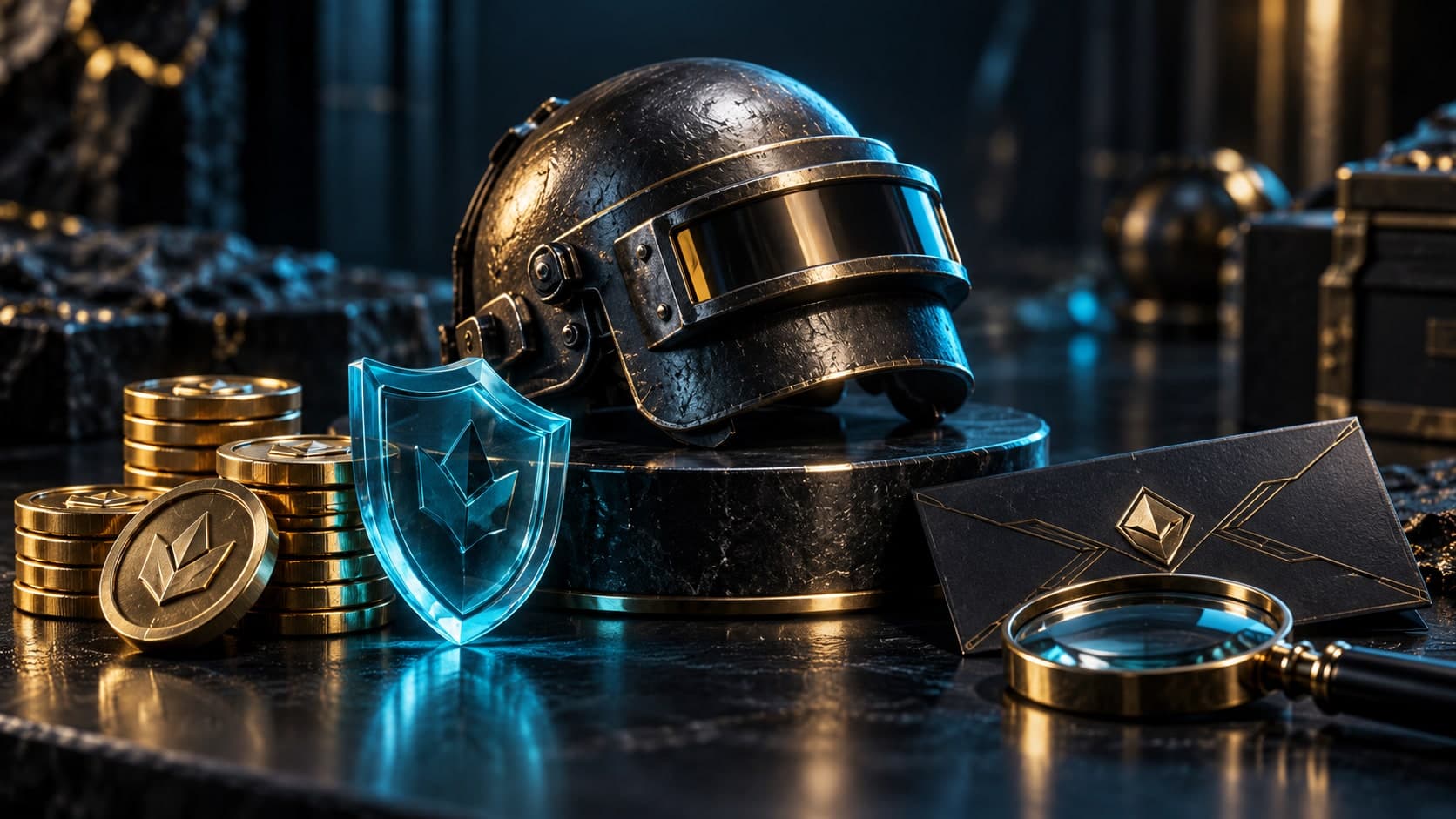
Game helmet, gold tokens and protective glass shield next to the code card

Security

A UC discount by itself does not prove fraud. The danger arises when it is not clear what is being sold, how the currency will be credited and who is responsible for the refusal. PUBG Mobile separately warns about the use of unauthorized services: the consequences may affect not only the payment, but also the game account.

Short answer

compare the conditions and origin of the top-up, not just the price

Question

How to choose a method of purchasing UC and not lose money or PUBG Mobile account?

Short answer

The clearest point of verification is the store inside PUBG Mobile and the payment methods referred to by the publisher. Before paying, check with a third-party seller the game version, region, delivery format, activation conditions and support. Do not agree to sharing your password, logging in through someone else's account, or a money-back scheme after receiving UC. The low price does not compensate for the opaque origin of the purchase.

Key points

PUBG Mobile's official recommendation is to use verified purchasing methods.

Unauthorized purchases may result in currency seizure or account restrictions.

Code sent to email, top-up by ID and seller logging into the account are different scenarios.

Unlimit provides a UC code with instructions; this does not automatically confirm that the currency has been credited in the game.

Contents

1. Where to start checking a secure purchase

2. What promises should you be wary of?

3. How to purchase a UC code in Unlimit

4. How to check activation without transferring an account

5. If UCs did not arrive or were written off

01

Where to start checking a secure purchase

Open a store in your version of PUBG Mobile or the official payment section of the publisher. This makes it easier to understand the methods available to your account and not end up on a site that copies the brand’s design. The presence of a logo on a third-party page does not prove partnership.

For an external offer, check the seller information, product description, error conditions, and order confirmation. We do not call a third-party store an official partner of PUBG Mobile without separate confirmation from the publisher. This rule also applies to the evaluation of Unlimit offers.

  • PUBG Mobile: official payment section
  • PUBG Mobile: warning about unauthorized purchases

02

What promises should you be wary of?

Compare identical products: regular UC, promotion bonuses, code and top-up for another version of the game cannot be considered equal only by a large number in the banner. Ask to explain the unusually low cost and precise method of execution.

Particularly dangerous is the request to first transfer the account and then “don’t log in for several hours.” Also, do not agree to instructions to issue a refund after the currency has been credited. This scheme does not turn a paid purchase into a legitimate discount and can create a problem on the account itself.

SignHow to proceed
Version and region are unclearCheck compatibility before payment
Asking for a password or login codeDo not transfer access to purchase a code
Promise UC through subsequent refundAbandon the scheme
No receipt or supportDon’t risk paying without proof
They write “official partner”Check confirmation with publisher

03

How to purchase a UC code in Unlimit

On the PUBG Mobile page, select the denomination and indicate the email. After payment and order processing, you will receive a digital code and instructions. To place such an order, you do not need a PUBG Mobile password or access to linked social accounts.

Before paying, please check whether the selected product is applicable to your game version and region. Don't assume that a code for one PUBG Mobile variant is valid for all regional apps. If the description doesn't answer the question, check compatibility with support before spending any money.

  • Buy PUBG Mobile UC: top up UC online | Unlimit
  • Receiving a UC code by email

04

How to check activation without transferring an account

The email with the code confirms the delivery of the digital item, not a change in the game balance. Read the instructions, check the repayment service domain and recipient details. Do not enter the code on the first site from the advertising results.

  1. 1.

    Verify code denomination and format with your order.

  2. 2.

    Check your game account, application version and required ID.

  3. 3.

    Open the activation service specified for this product and verify its authenticity.

  4. 4.

    Activate the code yourself, then update the game and balance.

  5. 5.

    Save the redemption confirmation until the result appears.

Account password and UC secret code are different data. The code is used only in the designated activation location and is not published in chat or feedback.

05

If UCs did not arrive or were written off

Separate email delay, code error and currency missing after successful activation. In the first case, check your email and Spam folder; in the second, save the service message; in the third, double-check the recipient and the balance in the game. Don't buy a second package just to test the first.

If you receive a UC withdrawal or restriction notice, please contact PUBG Mobile support with your purchase history. Do not pay to an unknown “banner” and do not try to hide a disputed payment. For questions to the seller, prepare the order number, time and description of the result, hiding secret data in public screenshots.

  • Why the code or UC was delayed
  • What information to save if there is a problem with the order

Checklist

The seller and the method of execution are clear.

Game version and region checked.

Denomination is separated from bonus promises.

Account access is not transferred to purchase a code.

Receipt, order and activation result saved.

Next step

Check UC offer

Look at the denomination and terms of the digital code. Please check compatibility with your version of PUBG Mobile before paying.

Buy PUBG Mobile UC: top up UC online | Unlimit

What to read next

UC code did not arrive: order verification

Linking and protecting your PUBG Mobile account

Free Fire Diamond Generators

Sources

PUBG Mobile: warning about unauthorized purchase services

PUBG Mobile: official payment section

PUBG Mobile: payment and refund issues

Frequently asked questions

Is every cheap UC top-up a scam?

Not necessarily. But the unusual price requires checking the product, region, bonuses and payment method. Non-transparent terms and requests to transfer your account are good reasons to refuse.

Can I get restrictions on unauthorized purchases?

PUBG Mobile warns that such purchases violate the rules and may result in the illegally purchased content being withdrawn or banned depending on the violation.

Do I need a PUBG Mobile password to purchase a code?

No. To order a code in Unlimit, enter your email. Next, the user independently follows the instructions for activating the appropriate product.

The code has arrived, but the UC balance has not changed - what should I check?

Make sure the code is already activated, the correct game account is selected and there is no redemption error. Delivery of the letter does not in itself constitute UC acceptance.

Services

  • Apple gift cards
  • Telegram Stars and Premium
  • ChatGPT Subscription
  • Xbox Gift Card
  • PlayStation Store card
  • Spotify Premium
  • Discord Nitro

Games

  • Pre-order GTA 6
  • Steam top-up
  • Roblox Gift Card
  • UC for PUBG Mobile
  • Riot Games
  • Free Fire diamonds

Information

  • Home
  • Blog
  • Public offer
  • Privacy policy

Contact

  • Contacts
  • Telegram support
  • Unlimit on Telegram
  • Unlimit Clips

Alliance Torg Company LLC

Address:
37/2 Bezymyannaya St.,
7th Microdistrict, Oktyabrsky District, Bishkek, Kyrgyz Republic
OGRN:
310076-3301-LLC
TIN:
9909710244

© 2026 Unlimit

EN