









unlimit

Digital goods did not arrive: what evidence to collect?

We are on Telegram

Checklist for contacting support: order number, payment status, letter, time, error, account and secure screenshots.

All articles

Order folder

Published September 7, 2026

9 min read

McDuck

McDuck

Secure payments editor

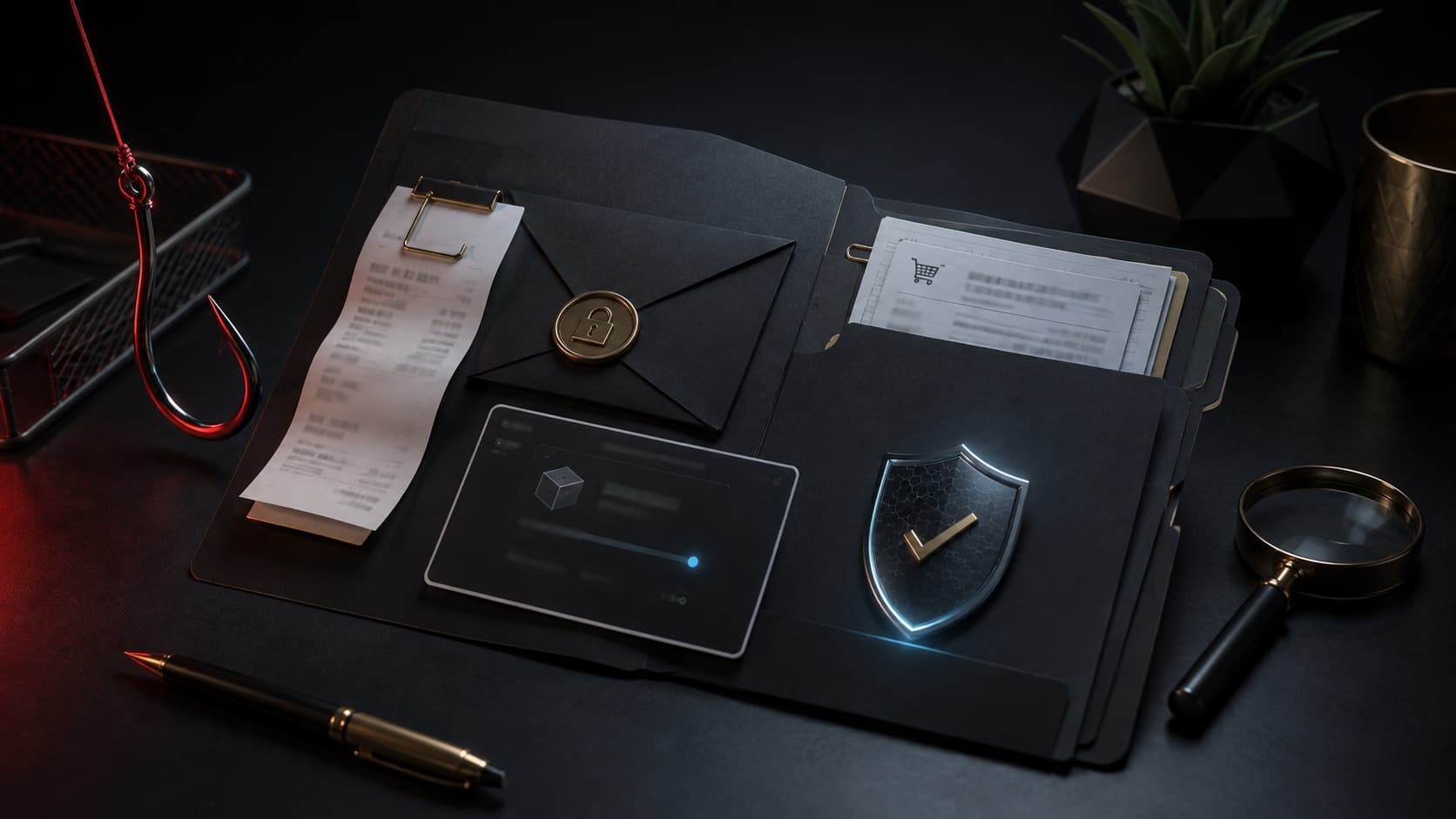
Digital order folder with receipt, letter, screenshot and verification security seal

Payments

Support does not see the buyer’s screen and cannot find the payment using the phrase “I just paid.” Good handling connects four events: order creation, money debit, product issue and activation error.

Saves time

one chronology is more useful than ten messages without an order number

Question

What data will help you quickly find a digital order and solve a delivery problem?

Short answer

Collect the order number, date and time with time zone, payment amount and method, transaction status, recipient email or ID, original email and exact error text. Attach secure screenshots without the full code, card number, password and 2FA. Describe the events in order and do not create a duplicate payment until verification.

Key points

The receipt confirms the payment, but does not always confirm the successful delivery of the goods.

The order number associates the case with the seller's record.

Accurate time and time zone help compare logs from different systems.

Account secrets and the full code should not be included in a regular screenshot.

Contents

1. Divide the order into four statuses

2. Minimum dial for first message

3. How to take a secure screenshot

4. SBP and cryptocurrency require different confirmations

5. Write a short chronology

01

Divide the order into four statuses

First, find out whether the order has been created. Then separately check the debit in the bank or wallet, the issuance of a letter or accrual, and the result of activation on the platform.

The phrase “did not arrive” could mean a missing email, an incomplete payment, an erroneous email, an incorrect account, or a code already used. Each case requires different evidence.

StageWhat to checkConfirmation
OrderHas the number been created?Order page or letter
PaymentDecommissioned, pending or returnedBank check or hash
DeliveryEmail, username, IDOriginal letter and entered data
ActivationAccurate resultScreenshot of the official service

02

Minimum dial for first message

Start with the order number, time, amount and summary result. Add a payment method and an unclassified shipping ID. This is often enough for support to find the entry before requesting additional materials.

  • Merchant order or transaction number.

  • Date, exact time and time zone.

  • Amount, currency and method of payment.

  • Email, username or ID specified in the order.

  • Actual status: no letter, no accrual, or code rejected.

03

How to take a secure screenshot

Leave the domain, section name, time and error text visible. Close the full digital code, bank card number, CVV, QR login, seed phrase and one-time passwords.

Do not crop the image so much that the context disappears: it is important for support to distinguish the official site from a third-party form. It is better to cover secrets with opaque blocks than with blur, which can sometimes be partially restored.

If an official secure form specifically asks for the full code, follow its instructions; do not post the same material in open chat.

04

SBP and cryptocurrency require different confirmations

For SBP, save the bank receipt with the amount, time and status. The Bank of Russia also advises enclosing a receipt when applying for an erroneous transfer.

For crypto payment, store transaction hash, network, asset, amount and destination address. The seed phrase and private key do not confirm payment and should never be shared with support.

05

Write a short chronology

One message may look like this: “September 7 at 21:14 UTC+3 created an order ... for ... ₽, paid through ..., the bank shows a successful operation, but the letter for ... did not arrive; I checked the Spam folder." Such a record is verifiable and does not require guessing details.

Do not send each detail as a separate message and do not change the subject of the message. If new data appears, add it to the same chain.

Checklist

There is an order number and exact time.

Payment status is verified by the bank or blockchain.

Email, username or ID verified.

Screenshots preserve context but hide secrets.

The problem is described by one sequence of events.

Next step

Prepare data for secure top-up

Verify the login and amount before payment, and after ordering, save the number and confirmation of payment.

Top up Steam using login: Steam Wallet balance | Unlimit

What to read next

Mobile Legends diamonds did not arrive

Crystals or Moon Genshin did not arrive

Code already used

Why you need to keep a receipt

Secure payment for digital services

Sources

Bank of Russia: Fast payment system

FTC: Buying From an Online Marketplace

PlayStation Support: Voucher code problems

Frequently asked questions

Is a bank check enough?

The receipt confirms the payment, but to search for the product you also need the order number and delivery details.

Can I send the full code in a screenshot?

Don't send it to regular chat. Hide the code and only reveal it in an official secure field if necessary.

What should be included in a crypto payment?

Transaction hash, network, asset, amount and destination address. Never send your seed phrase or private key.

Services

  • Apple gift cards
  • Telegram Stars and Premium
  • ChatGPT Subscription
  • Xbox Gift Card
  • PlayStation Store card
  • Spotify Premium
  • Discord Nitro

Games

  • Pre-order GTA 6
  • Steam top-up
  • Roblox Gift Card
  • UC for PUBG Mobile
  • Riot Games
  • Free Fire diamonds

Information

  • Home
  • Blog
  • Public offer
  • Privacy policy

Contact

  • Contacts
  • Telegram support
  • Unlimit on Telegram
  • Unlimit Clips

Alliance Torg Company LLC

Address:
37/2 Bezymyannaya St.,
7th Microdistrict, Oktyabrsky District, Bishkek, Kyrgyz Republic
OGRN:
310076-3301-LLC
TIN:
9909710244

© 2026 Unlimit

EN