









unlimit

Digital code has already been used: how to check activation?

We are on Telegram

What to do with the “code has already been activated” message: check accounts and transaction history, eliminate re-entry and collect evidence for support.

All articles

One-time code

Published September 7, 2026

10 min read

Agent Utya 007

Agent Utya 007

Account Protection Specialist

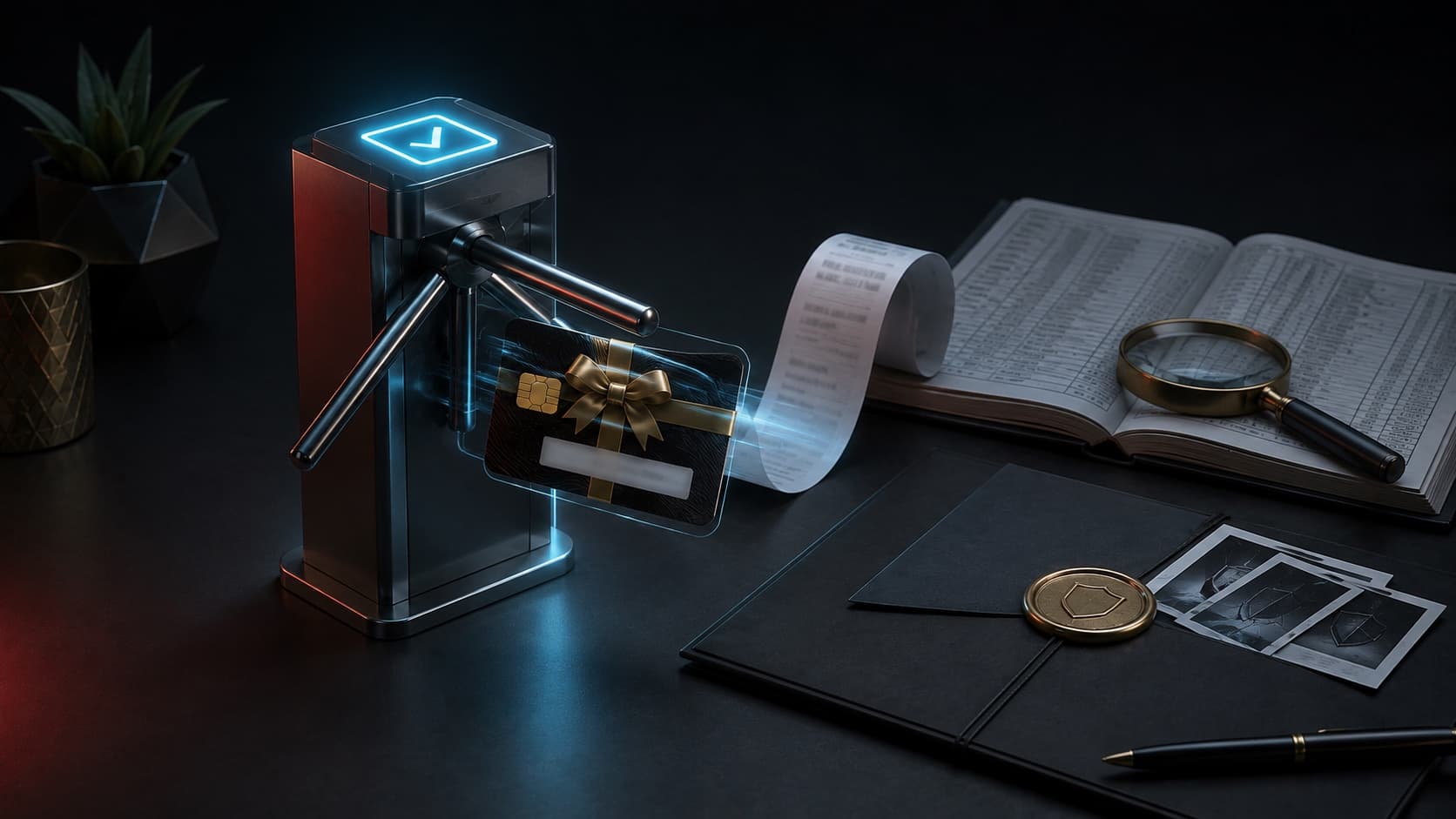
A one-time gift card passes the turnstile next to the receipt and transaction log

Security

The phrase “already redeemed” does not indicate exactly who used the code or when. There may be an innocuous retry, logging into the wrong account, a delayed balance update, a value leak, or a problem before the item is released.

Take your time

first account history, then seller and issuer

Question

What should I do if a gift card or digital code is marked as already used?

Short answer

Do not post code or enter it on third-party verification sites. Restart the official service, check the balance, library and transaction history of all your accounts. If the purchase is not found, save the original email, receipt, order number, exact error and time of first attempt; Contact the seller and then, if necessary, official platform support.

Key points

The code is usually one-time only, so re-entering it after a successful operation will also show an error.

The balance or content may have appeared on another user account.

“Code review” sites may themselves steal the still valid value.

The check and initial letter are more important than the sent photo without order details.

Contents

1. Stop retrying on different sites

2. Check the result, not just the message

3. Distinguish between error types

4. Collect code origin chain

5. Who to contact

01

Stop retrying on different sites

Use only the official interface of the issuer. Repeated entry in search forms, bots and unknown applications reveals the code to third parties and does not provide reliable information about its status.

Commit the first message in its entirety. The exact wording distinguishes a code that has already been applied from an incorrect region, an inactive card, a typo, or a temporary glitch.

02

Check the result, not just the message

Apple recommends logging out of the App Store on your devices and logging in again to update your balance. PlayStation advises checking your transaction history and library: the applied voucher is displayed in the transaction details, and the content may have already been transferred to your account.

Check each profile you have used on the device. The code is especially often activated on a family, old or regional account that remains in the browser.

  • Store balance after re-entry.

  • Transaction and purchase history.

  • Game library or subscription section.

  • Other accounts on the same device.

03

Distinguish between error types

Already redeemed does not mean the same as invalid or not activated. An incorrect code may contain similar characters, a non-activated physical card requires merchant verification, and a regional error indicates that the country of the card and account do not match.

MessageProbable causeFirst check
Already usedCode applied previouslyHistory and other accounts
InvalidTypo or inappropriate formatSymbols and official screen
Not activatedCard not activated by sellerReceipt and contact to the seller
Other regionCountry code does not matchAccount region

04

Collect code origin chain

It is important for support to understand where the code was created, sold, delivered and first introduced. Save the original letter with technical headings, not just the copied text, and do not edit the receipt.

Record the time of the first attempt with the time zone. If the code was a gift, check who else had access to the link or photo.

Cover most of the code in regular screenshots. Only submit the full value via the official protected field if support has requested it.

05

Who to contact

Start with the seller: he confirms the order and the receiving channel. If the seller confirms the correct delivery, official platform support can check the account and the type of error within their procedures.

Don't promise yourself automatic refunds: rules for disposable digital goods vary. Require not a promise, but documented verification of activation status and time.

Checklist

First error screen saved.

Balance, history, library and subscriptions have been checked.

Other own accounts have been verified.

There is an original letter, a receipt and an order number.

The code was not sent to public chats and third-party validators.

Next step

First find out the status of the code used

Do not purchase a replacement until support responds. For a new order, please check your Apple Account region in advance.

Apple Gift Card: Buy and Top Up App Store | Unlimit

What to read next

Why you can’t show the code and why keep the receipt

Code or direct top-up

Secure payment for digital services

Sources

Apple Support: If you can't redeem your Gift Card

PlayStation Support: Voucher code problems

FTC: Avoiding and Reporting Gift Card Scams

Frequently asked questions

Can I check the code without activation?

Do not enter it on third-party validators. The secure status is shown only by the official service or support of the issuer.

Does the error mean the code was stolen?

Not necessary. It could have been applied by you previously or on another account. First, check your transaction history.

What documents should I send to the seller?

Order number, original letter, receipt, time of first attempt and exact error text. No secret payment information or account password is needed.

Services

  • Apple gift cards
  • Telegram Stars and Premium
  • ChatGPT Subscription
  • Xbox Gift Card
  • PlayStation Store card
  • Spotify Premium
  • Discord Nitro

Games

  • Pre-order GTA 6
  • Steam top-up
  • Roblox Gift Card
  • UC for PUBG Mobile
  • Riot Games
  • Free Fire diamonds

Information

  • Home
  • Blog
  • Public offer
  • Privacy policy

Contact

  • Contacts
  • Telegram support
  • Unlimit on Telegram
  • Unlimit Clips

Alliance Torg Company LLC

Address:
37/2 Bezymyannaya St.,
7th Microdistrict, Oktyabrsky District, Bishkek, Kyrgyz Republic
OGRN:
310076-3301-LLC
TIN:
9909710244

© 2026 Unlimit

EN