









unlimit

How to safely gift Discord Nitro without losing the link?

We are on Telegram

Step-by-step guide to gifting Discord Nitro: choosing a plan, sending a personal link, Gift Inventory, revoking a link, and protecting yourself from someone else's activation.

All articles

Safe gift

Published September 7, 2026

8 min read

Captain Utya

Captain Utya

Gift card navigator

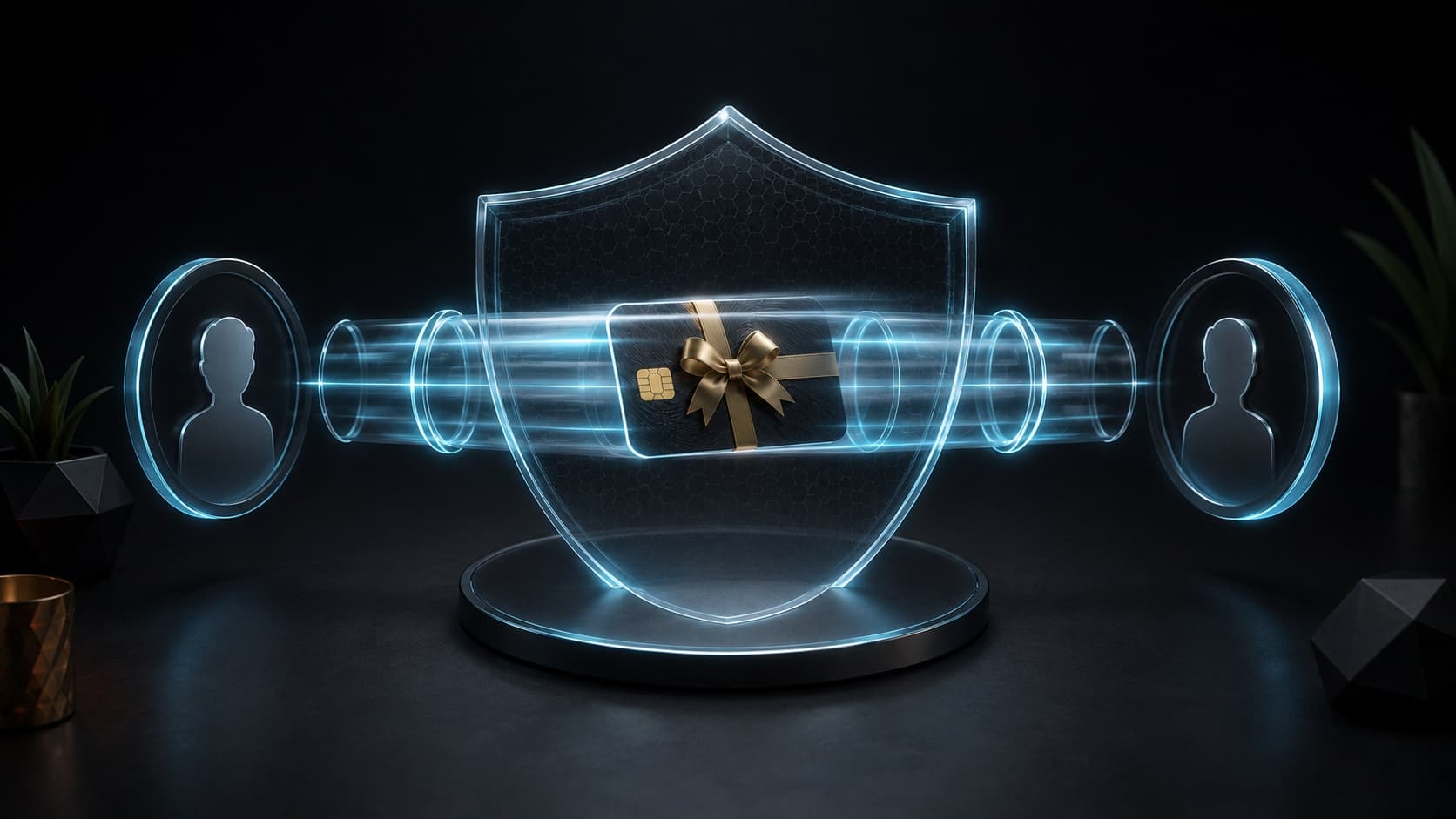
The digital gift card moves between two profiles over a secure, transparent channel

Guides

A Discord gift may look like a regular link, but the first account that claims it gets the right to subscribe. Publishing in a server channel or group chat turns a personal gift into a race for activation.

Main rule

gift link is sent only to personal dialogue

Question

How to send Discord Nitro to a specific person safely?

Short answer

Select Nitro or Nitro Basic and the term, receive a gift link and send it to the recipient only in a personal message. While the gift has not been claimed, the link can be found in User Settings → Gift Inventory, revoked and recreated. After activation by another account, you cannot transfer the gift or return the declared gift.

Key points

The link in a channel or group chat is available to all participants, and anyone can pick up a gift.

Undeclared gifts are stored in Gift Inventory.

For an undeclared gift, you can revoke the old link and create a new one.

After a claim, the gift is assigned to the account and is not transferred.

Contents

1. First select the recipient and plan

2. Why personal dialogue is safer than a channel

3. How to recover a lost link

4. What to tell the recipient

5. Email code and built-in gift are not the same thing

01

First select the recipient and plan

Find out what account the recipient is using and what features they need. Nitro Basic is good for emoji, stickers, and files up to 50MB, while the full Nitro adds large downloads, HD streaming, profile capabilities, and two Server Boosts.

Check the due date before payment. A monthly gift is safer as an introduction to the service, and a long period makes sense for a regular user.

02

Why personal dialogue is safer than a channel

Discord explicitly warns: a gift posted in a group chat or server channel can be claimed by anyone who sees the link. For a specific person, send a gift via DM and additionally check the recipient’s profile.

Do not include a link in a screenshot, public post or broadcast. Even a short exposure may be enough for copying.

Personal sending reduces risk, but does not replace verification of the recipient: make sure you are writing to a real friend's account, and not to a similar profile.

03

How to recover a lost link

If the window closes after purchasing, open User Settings → Gift Inventory. There, Discord shows unclaimed gifts and allows you to copy the link again.

If the link could have been leaked to someone else, revoke it and generate a new one before the gift is claimed. After claim, the entry disappears from the list of unclaimed gifts.

  • Open user settings.

  • Go to Gift Inventory.

  • Find the undeclared gift.

  • If there is a risk of leakage, revoke the link and create a new one.

04

What to tell the recipient

Ask the recipient to log into the correct Discord account before opening the link. The recipient must check the profile on the confirmation screen before accepting the gift.

If he already has a subscription, the gift may count as an account credit depending on plan compatibility. This is not a reason to reactivate the link or transfer it to another person.

05

Email code and built-in gift are not the same thing

The store can deliver a code or link to email, which the recipient activates independently. An in-app purchase within Discord also creates a gift available in the Gift Inventory. In both cases, the secret is a one-time code or URL.

The recipient's password is not needed. If the seller asks you to log in for the user, stop and clarify the format of the product.

Checklist

The correct plan and deadline have been selected.

The link is sent via DM to a specific profile.

The recipient will check the account before making a claim.

An undeclared gift is visible in Gift Inventory.

When leaked, the old link is revoked before activation.

Next step

Prepare a safe gift Discord Nitro

Check the recipient and activation conditions, then select the appropriate option and Nitro period.

Buy Discord Nitro for a month or a year | Unlimit

What to read next

How to gift Discord Nitro with a link

Nitro or Nitro Basic

Discord Nitro code is not activated

Sources

Discord Support: Nitro Gifting

Discord Support: What are Nitro & Nitro Basic?

Frequently asked questions

Can I send a Nitro gift to a server channel?

Technically yes, but it can be claimed by any participant who sees the link. For a personalized gift, use personal dialogue.

Where can I find a gift if I close the window?

Undeclared gifts are available in User Settings → Gift Inventory.

What to do if a stranger saw the link?

While the gift is not claimed, revoke the link in Gift Inventory and create a new one. Once activated, transfer is not possible.

Services

  • Apple gift cards
  • Telegram Stars and Premium
  • ChatGPT Subscription
  • Xbox Gift Card
  • PlayStation Store card
  • Spotify Premium
  • Discord Nitro

Games

  • Pre-order GTA 6
  • Steam top-up
  • Roblox Gift Card
  • UC for PUBG Mobile
  • Riot Games
  • Free Fire diamonds

Information

  • Home
  • Blog
  • Public offer
  • Privacy policy

Contact

  • Contacts
  • Telegram support
  • Unlimit on Telegram
  • Unlimit Clips

Alliance Torg Company LLC

Address:
37/2 Bezymyannaya St.,
7th Microdistrict, Oktyabrsky District, Bishkek, Kyrgyz Republic
OGRN:
310076-3301-LLC
TIN:
9909710244

© 2026 Unlimit

EN