









unlimit

Discord Nitro code is not activated: what to check step by step?

We are on Telegram

We analyze the entry of the Discord Nitro code, active subscription, account credit, mobile restrictions and signs of an already used gift.

All articles

Code Diagnostics

Published September 7, 2026

9 min read

Agent Utya 007

Agent Utya 007

Account Protection Specialist

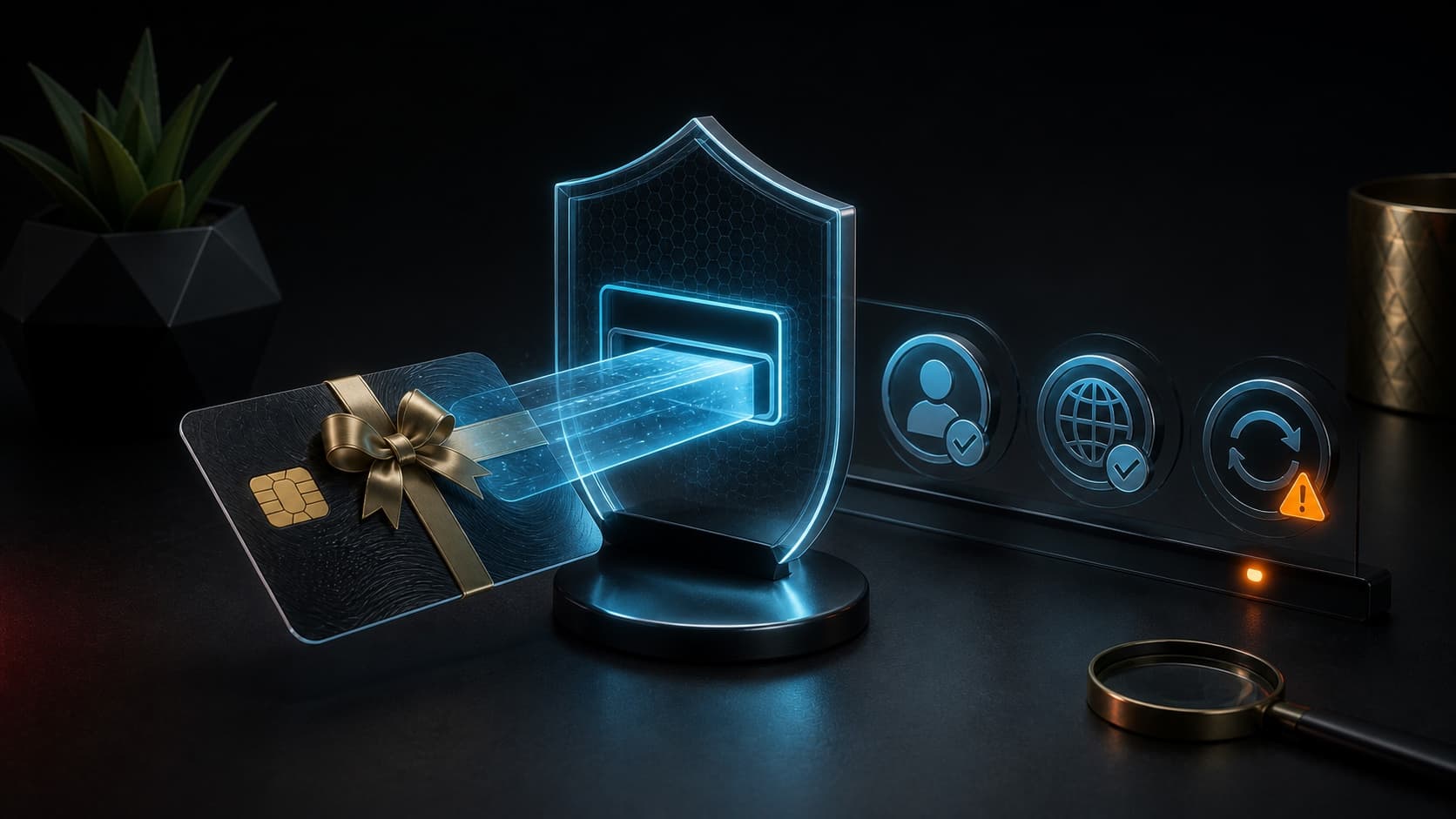
Digital gift card passes through security screen with account and status checks

Accounts

An error message does not always mean that the code is broken. Sometimes a user opens the mobile app instead of the browser, logs into the wrong account, or looks for a subscription that was saved as credit.

Check procedure

official page, desired account, gift status

Question

Why is the Discord Nitro code not working and how can I find the cause of the error?

Short answer

Open discord.com/redeem in a browser, log in to the desired account and paste the code without spaces. Next, check Subscriptions and Gift Inventory: Your current plan may change how your gift is applied. If the code is marked as used by an unknown account, save the email, receipt and time of attempt and contact the seller first, then Discord Support.

Key points

The gift card can be activated through discord.com/redeem or the desktop application.

In the mobile application, gift card redemption and balance spending may not be available - use a browser.

An already declared Nitro gift cannot be transferred to another account.

The code, receipt, email of the order and the exact text of the error are needed for investigation.

Contents

1. Start with the official address

2. Check which account you are logged into

3. Consider mobile restriction

4. Active subscription and account credit

5. If the code has already been used

01

Start with the official address

Enter the address discord.com/redeem manually or open the Billing section in the desktop application. Don't go to a similar domain from a stranger's message: the activation form requires you to log in to your account, so a fake page could steal your credentials.

Paste the entire code and check for any random spaces at the beginning or end. Do not send a screenshot with readable code to a general chat or public request.

02

Check which account you are logged into

Before confirming, look at the current profile name and email in the settings. This is especially important if work, personal, and test accounts were used in the same browser.

Once another account has received a gift, transferring is usually not possible. Therefore, checking the profile before pressing Redeem is more reliable than trying to correct the error after activation.

  • Check your display name and email.

  • Close other people's sessions in a shared browser.

  • Do not activate a gift through screen sharing with a visible code.

03

Consider mobile restriction

Discord indicates that gift cards can be redeemed through a mobile browser, but not through the mobile app. Visit discord.com/redeem in Safari, Chrome, or another browser, and once activated, use the web version of Discord to spend your balance.

If the purchase has already appeared on your account, its benefits will be available on other devices after synchronization.

04

Active subscription and account credit

A gift does not always immediately replace a current subscription. Depending on the type of plan and gift you have, it may appear as an Account Credit in the Subscriptions section and apply later.

Don't buy a second code just because your profile icon hasn't changed instantly. First, restart Discord, log back in, and check your subscriptions and credit.

Credit compatibility rules are changing. Focus on the message that Discord shows specifically to your account before confirmation.

05

If the code has already been used

Record the exact error, date and time, order number, delivery email and the status of the Subscriptions section. The seller needs to be able to match the issued code with the order, and Discord needs to check the event on the account side.

Do not post the full code on social networks. Only submit it on an official support form when the field is clearly intended to do so.

SituationFirst actionWhat to save
Page does not accept inputOpen browser and discord.com/redeemScreenshot of address and errors
Subscription did not appearCheck Subscriptions and restart the clientActivation time
Code already claimedCheck all your accounts and contact the sellerOrder, letter, code
Wrong account openedDo not confirm activationEmail of the desired profile

Checklist

The official domain discord.com has been opened.

Account profile and email have been verified.

On mobile, a browser is used, not an application.

Subscriptions, Account Credit and Gift Inventory have been checked.

The order, letter and exact error text are saved for support.

Next step

Deal with the problematic code first

Do not purchase a new code until you have checked your region, expiration date and order status. Once solved, select the Nitro option you want.

Buy Discord Nitro for a month or a year | Unlimit

What to read next

Nitro or Nitro Basic

Why can't I show the digital code?

Sources

Discord Support: Discord Gift Cards

Discord Support: Nitro Gifting

Frequently asked questions

Can I redeem the Nitro code in the app on my phone?

For Discord gift card, use discord.com/redeem in a mobile browser: Discord reports that redeeming and spending balances in the mobile app are not available.

Why did the gift appear as Account Credit?

So Discord can count a gift towards an existing subscription. Check the Subscriptions section to see if your current plan is compatible with credit.

Can I transfer an activated gift to another person?

No. Discord warns that a claimed gift cannot be transferred to another account.

Services

  • Apple gift cards
  • Telegram Stars and Premium
  • ChatGPT Subscription
  • Xbox Gift Card
  • PlayStation Store card
  • Spotify Premium
  • Discord Nitro

Games

  • Pre-order GTA 6
  • Steam top-up
  • Roblox Gift Card
  • UC for PUBG Mobile
  • Riot Games
  • Free Fire diamonds

Information

  • Home
  • Blog
  • Public offer
  • Privacy policy

Contact

  • Contacts
  • Telegram support
  • Unlimit on Telegram
  • Unlimit Clips

Alliance Torg Company LLC

Address:
37/2 Bezymyannaya St.,
7th Microdistrict, Oktyabrsky District, Bishkek, Kyrgyz Republic
OGRN:
310076-3301-LLC
TIN:
9909710244

© 2026 Unlimit

EN