









01
Start with age and parent account
The correct age helps Roblox apply appropriate security and content settings.
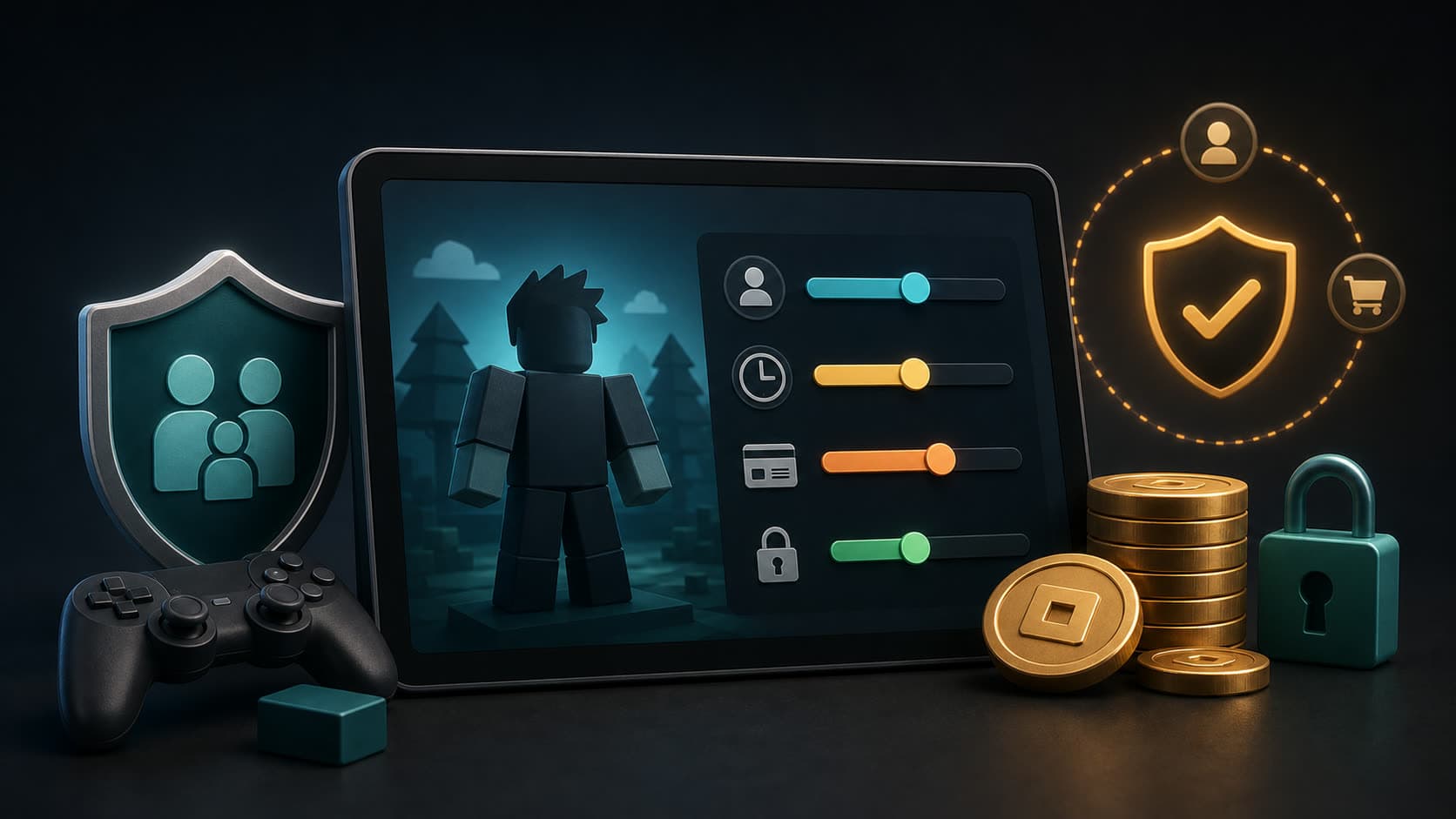
Parental controls allow you to manage access, privacy, and purchase restrictions.
Check the account's date of birth.
Add parent email.
Set up PIN or parental controls.
02
Set up spending restrictions
Robux purchases and in-game spending can happen quickly, so limits should be set in advance rather than after an unexpected charge.
It is helpful to agree on a monthly budget and explain what purchases are allowed.
| Setting | What gives |
|---|---|
| Spending limit | Limits costs |
| Purchase notifications | Helps you see purchases |
| Parental PIN | Protects settings from being changed by a child |
03
Privacy and chat
Not all risks are associated with purchases. It is important to configure who can write to the child, invite him to private servers, or communicate by voice.
For younger children, it is best to start with more restrictive settings and gradually increase access.
04
Robux codes and scams
Promises of free Robux, requests to send a password, or to go to an external site are typical signs of fraud.
Codes and gift cards must only be redeemed through the official Roblox interface.
Do not enter your password on third-party sites.
Don't trust Robux generators.
Keep your receipt after purchase.