









unlimit

How to redeem a Riot Games code in VALORANT or League of Legends

We are on Telegram

Where to enter a Riot prepaid code, how to choose a game, and why one code cannot be shared between VALORANT and LoL.

All articles

Riot Codes

Published September 25, 2026

6 min read

Utya Prime

Utya Prime

Gaming Platform Analyst

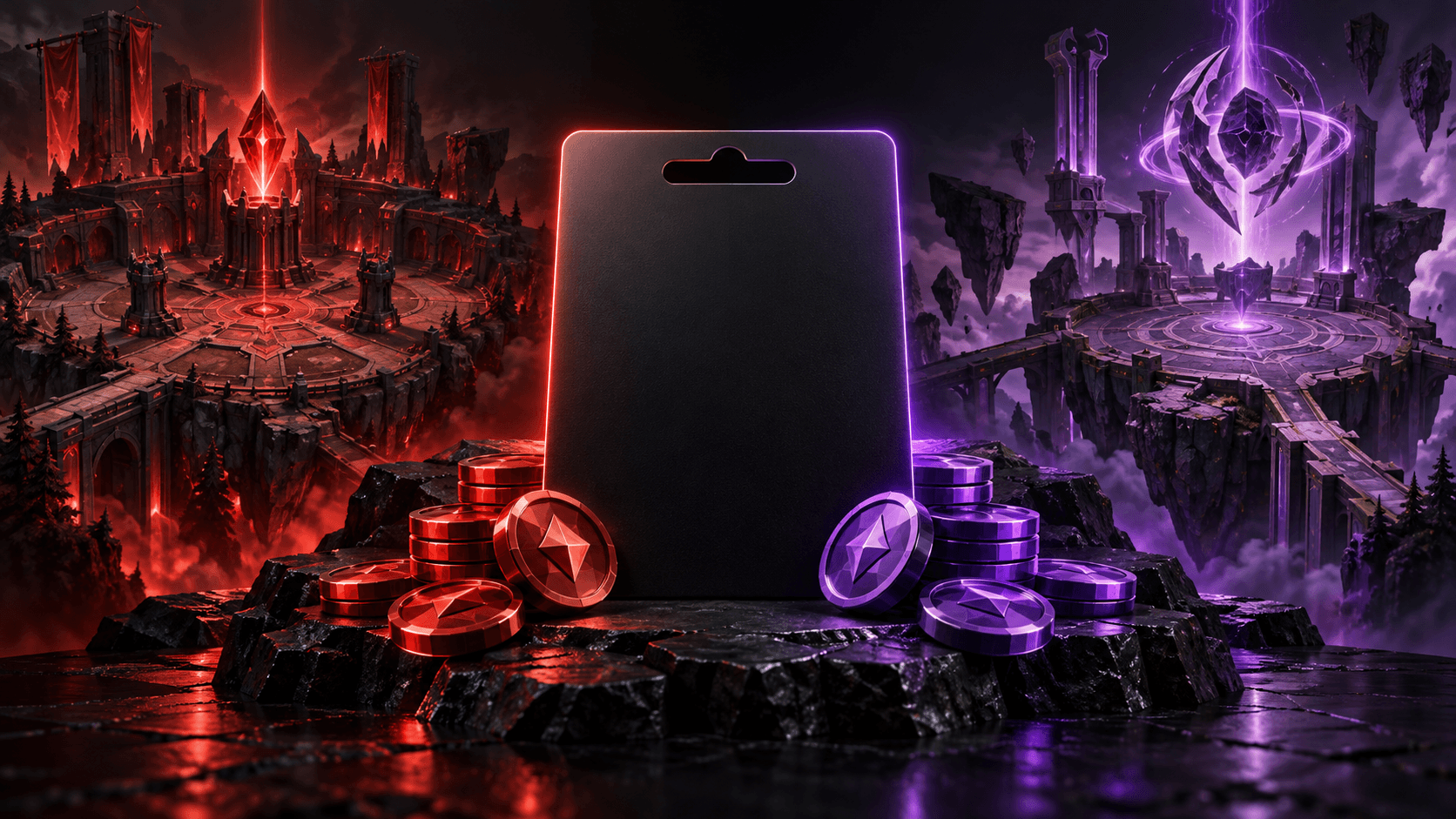
Riot Games game code between two game worlds

Games

Riot has pre-paid cash codes and codes for specific content. The activation method and result depend on the type of code, and the money code must be assigned to one game.

Address

shop.riotgames.com/redeem

Question

How to activate Riot code for VALORANT or League of Legends?

Short answer

For a prepaid cash code, go to shop.riotgames.com/redeem, log into your Riot account, enter the code and select VALORANT or League of Legends. Check the total and confirm: the entire cost of the code will go to the selected game. For the content code, follow the instructions on the map or in the game client.

Key points

First, determine the type of code: money or content.

A Riot Money Code is assigned to one entire game.

The region of the code and account must comply with Riot rules.

Contents

1. Check the code before activation

2. Redeem money code

3. If the code did not work

01

Check the code before activation

Look at the description of the product: what game and region it is intended for, whether it is for money or provides specific content. Log in to the Riot account where you want to get the result. Transfer after redemption may not be possible.

Don't enter code on a site that imitates Riot. Open the official page manually.

  • Code type.

  • Region.

  • Required Riot account.

02

Redeem money code

At shop.riotgames.com/redeem, enter the code, log in, select VALORANT or League of Legends and read the summary before confirming. Riot applies the entire cost to the selected game; the remainder cannot be split between the two games.

Riot also describes activation through game clients. In VALORANT, open the store and the prepaid cards & codes; in League of Legends - store and Redeem Codes. The names of the items may differ depending on the client's language.

Content may not appear immediately; Riot allows processing up to 24 hours.

03

If the code did not work

Double check characters, code type, game and region. Save the receipt, a screenshot of the error and the time of attempt. If the code is already marked used, do not send it in public chat: contact the seller or Riot Support through a private channel.

  • Check region and game.

  • Save proof of purchase.

  • Contact support without sharing your password.

Checklist

Code type and region checked.

The required Riot account has been opened.

Correct game selected before confirmation.

The accrual in the client has been checked.

Receipt saved.

Next step

Select Riot Top Up

Please check the game, region and code format before placing your order.

Buy Riot Points and VALORANT Points | Unlimit

What to read next

How Riot prepaid codes work

Riot account protection

Sources

Riot Support: Prepaid cards, cash codes and content codes

Frequently asked questions

Is it possible to split one code between VALORANT and LoL?

No. Under Riot's current rules, the entire prepaid cash code applies to one selected game.

How long should I wait for accrual?

Riot indicates that content may take up to 24 hours to process. If the deadline has passed, save the receipt and contact support.

Services

  • Apple gift cards
  • Telegram Stars and Premium
  • ChatGPT Subscription
  • Xbox Gift Card
  • PlayStation Store card
  • Spotify Premium
  • Discord Nitro

Games

  • Pre-order GTA 6
  • Steam top-up
  • Roblox Gift Card
  • UC for PUBG Mobile
  • Riot Games
  • Free Fire diamonds

Information

  • Home
  • Blog
  • Public offer
  • Privacy policy

Contact

  • Contacts
  • Telegram support
  • Unlimit on Telegram
  • Unlimit Clips

Alliance Torg Company LLC

Address:
37/2 Bezymyannaya St.,
7th Microdistrict, Oktyabrsky District, Bishkek, Kyrgyz Republic
OGRN:
310076-3301-LLC
TIN:
9909710244

© 2026 Unlimit

EN