









unlimit

Free Fire guest account: how to link and not lose progress?

We are on Telegram

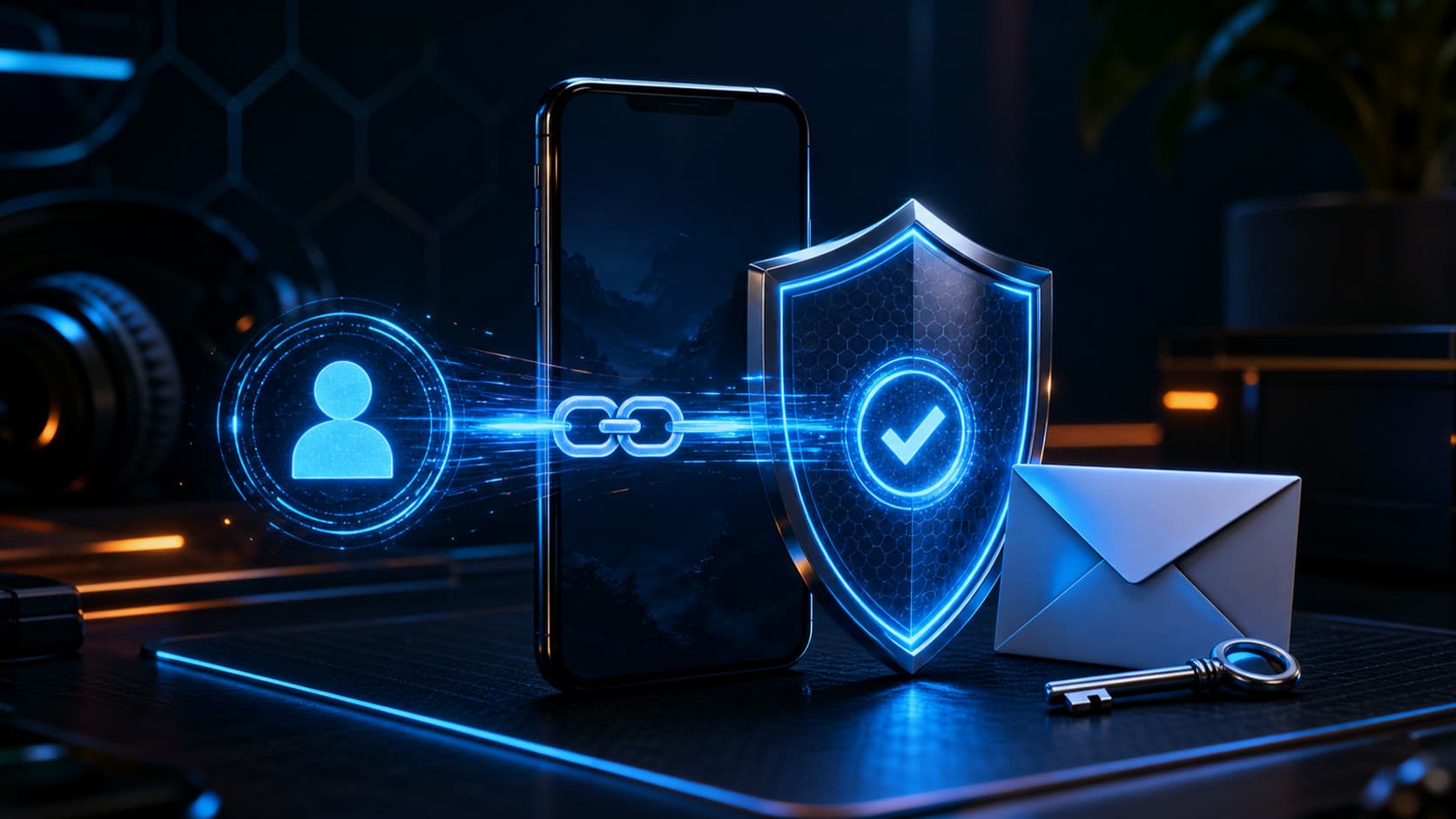
We link the Free Fire guest account to the platform, add a recovery email and avoid losing progress when changing devices.

All articles

Free Fire

Published August 2, 2026

8 min read

Agent Utya 007

Agent Utya 007

Account Protection Specialist

Free Fire mobile game, guest profile, cloud saving and secure account linking

Accounts

For a Free Fire guest account, data is saved on the device. A reinstallation, an update with data loss, or a new phone may make such progress unavailable.

Don't delay

Guest progress is stored on the device and may disappear

Question

How to save your Free Fire guest account progress before reinstalling the game or changing your phone?

Short answer

Open Settings → Account & Basic → Account and select Bind. Link your profile to your personal accessible platform, then set up a recovery email if that feature is available. Do this before reinstalling the game or changing devices.

Key points

Guest progress is stored locally on the device.

Linking transfers access to a supported external account.

Only one game profile can be linked to one platform at a time.

Garena warns that an erroneous binding cannot simply be undone.

Contents

1. How to bind

2. Why you need to choose your platform carefully

3. Add recovery email

01

How to bind

On a device with valid progress, open Free Fire, go to Settings, then Account & Basic and find the Account section. Click Bind and select an available platform, such as Facebook, Google or VK - the list depends on the device and region.

Log in only to your external account and wait for confirmation within the game.

02

Why you need to choose your platform carefully

Garena indicates that it is currently not possible to unlink a game account from an erroneously selected platform. In addition, one external account cannot be used simultaneously for several game profiles.

Before clicking Bind, check the name, email and recovery ability of the selected Facebook, Google or other account.

Do not use someone else's social account, even temporarily: once linked, it may be difficult or impossible to regain control.

03

Add recovery email

If the setting is available, link a separate recovery email and protect it with two-factor verification. Garena uses such mail as an additional way to change the associated platform if access is lost.

Save your game ID and profile screenshot. They will help you more accurately describe the problem to official support.

Checklist

The binding is performed on the device with the desired progress.

Personal external account selected.

Access to his email and 2FA is saved.

Recovery email added if available.

The game ID was recorded before the device was changed.

Next step

Link your guest account before purchasing

Save your progress through the available login method, then select the Free Fire Diamonds package.

Buy Free Fire diamonds: top up with a code | Unlimit

What to read next

How to activate the Free Fire code

Digital Payment Security

Sources

Garena Free Fire Support: Bind Guest Account

Garena Free Fire Support: Account Protection

Garena Free Fire Support: Recovery Email

Frequently asked questions

Why is it dangerous to remain a guest?

Guest data is stored on the device and may be lost after reinstalling, updating, or changing the phone.

Is it possible to unlink an erroneous platform?

According to Garena, there is currently no regular unlink function, so the choice needs to be checked in advance.

Why do you need a recovery email?

It adds a recovery path and can help change the associated platform if access is lost.

Services

  • Apple gift cards
  • Telegram Stars and Premium
  • ChatGPT Subscription
  • Xbox Gift Card
  • PlayStation Store card
  • Spotify Premium
  • Discord Nitro

Games

  • Pre-order GTA 6
  • Steam top-up
  • Roblox Gift Card
  • UC for PUBG Mobile
  • Riot Games
  • Free Fire diamonds

Information

  • Home
  • Blog
  • Public offer
  • Privacy policy

Contact

  • Contacts
  • Telegram support
  • Unlimit on Telegram
  • Unlimit Clips

Alliance Torg Company LLC

Address:
37/2 Bezymyannaya St.,
7th Microdistrict, Oktyabrsky District, Bishkek, Kyrgyz Republic
OGRN:
310076-3301-LLC
TIN:
9909710244

© 2026 Unlimit

EN