









unlimit

How to accept a Discord Nitro gift on your phone: link and code

We are on Telegram

Let's take a step-by-step look at two Discord gift formats: Nitro link and gift card code. Where to open them on your phone and what to check before activating.

All articles

Discord Gift

Published September 25, 2026

5 min read

Agent Utya 007

Agent Utya 007

Account Protection Specialist

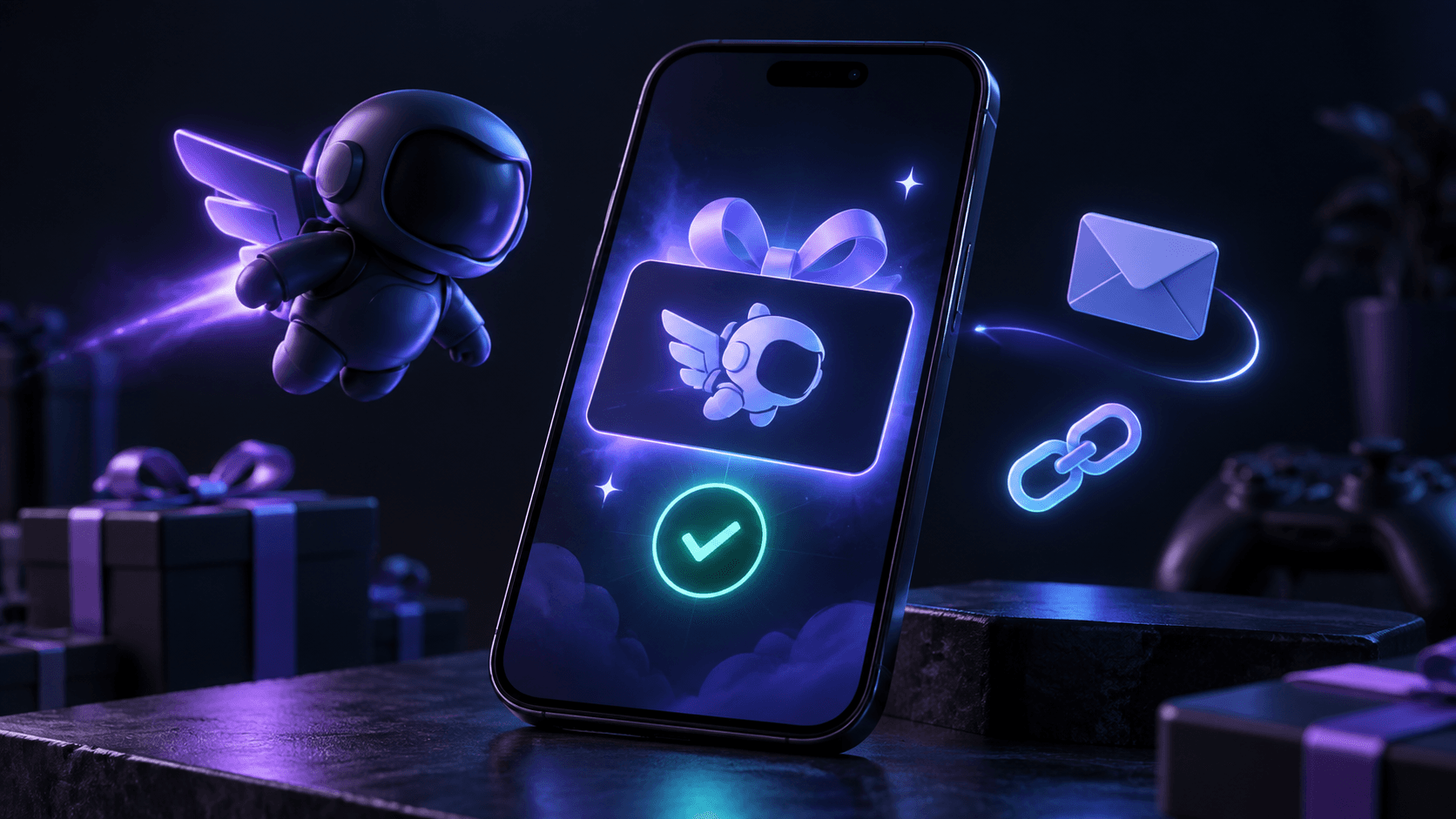
Discord gift box and smartphone on a dark background

Guides

Before you click the button, find out whether they sent you a personalized Nitro gift link or a Discord gift card code. They require different actions on the phone.

Main

Nitro link and gift card code are activated differently

Question

How to accept Discord Nitro as a gift from your phone and what to do if you receive a code?

Short answer

Open the Nitro link in Discord, log into the desired account and confirm Accept Gift. Enter the gift card code at discord.com/redeem in a mobile browser: such a code cannot be redeemed in the Discord mobile app. Please check your account and current subscription before confirmation.

Key points

Link to Nitro: open the gift and click Accept Gift.

Gift card code: open discord.com/redeem in the browser.

A gift accepted to the wrong account cannot be transferred.

Contents

1. If you receive a link to Nitro

2. If you received a gift card code

3. If Nitro is already active

01

If you receive a link to Nitro

Open the link, log into your Discord and check your account name. On the gift screen, tap Open Gift, then Accept Gift. After that, check the subscriptions section in your account settings.

Don't enter your password on a Discord-like site. If the link came from a stranger, it is better to open Discord separately and check the sender before logging in.

Discord warns: a gift accepted on someone else’s account cannot be transferred.

02

If you received a gift card code

Open discord.com/redeem in Safari, Chrome or another mobile browser. Login to the correct account, enter the code and check the confirmation. Save the receipt and letter with the code until the balance appears.

Gift card adds balance; this is not the same operation as accepting a Nitro link. Check the opportunity to buy a card and the rules of the region for a specific offer.

Discord does not support redeeming or spending gift card balances in the mobile app.

03

If Nitro is already active

Before activating, go to Subscriptions and check your current plan and payment method. A qualifying gift may go toward Account Credit instead of immediately changing your subscription. Don't promise yourself an automatic renewal for a specific date before checking your account status.

  • Check your Discord account.

  • View the current plan.

  • After activation, check Subscriptions and Account Credit.

Checklist

The gift format is known: link or code.

The correct Discord account has been opened.

The official discord.com/redeem is open for the code.

Subscription, balance and order letter have been verified.

Next step

Select the appropriate Discord Nitro

Check the issuance format, plan and activation conditions before registration.

Buy Discord Nitro for a month or a year | Unlimit

What to read next

What to do if the Discord code doesn't work

How to safely give Nitro

Sources

Discord: Claiming a Nitro Gift

Discord: Gift Cards

Frequently asked questions

Can I accept a Nitro gift in the app on my phone?

Yes, for a gift link, follow the Discord screen and confirm Accept Gift. For the gift card code, use your mobile browser.

Can I transfer an already accepted gift?

Discord does not transfer a gift if it was accepted on the wrong account. Please check your account before confirmation.

Services

  • Apple gift cards
  • Telegram Stars and Premium
  • ChatGPT Subscription
  • Xbox Gift Card
  • PlayStation Store card
  • Spotify Premium
  • Discord Nitro

Games

  • Pre-order GTA 6
  • Steam top-up
  • Roblox Gift Card
  • UC for PUBG Mobile
  • Riot Games
  • Free Fire diamonds

Information

  • Home
  • Blog
  • Public offer
  • Privacy policy

Contact

  • Contacts
  • Telegram support
  • Unlimit on Telegram
  • Unlimit Clips

Alliance Torg Company LLC

Address:
37/2 Bezymyannaya St.,
7th Microdistrict, Oktyabrsky District, Bishkek, Kyrgyz Republic
OGRN:
310076-3301-LLC
TIN:
9909710244

© 2026 Unlimit

EN