









unlimit

Apple balance prevents me from changing region: how to spend the balance?

We are on Telegram

What to check before changing your Apple Account country: balance balance, subscriptions, pre-orders, Family Sharing and contacting support.

All articles

Change region

Published September 7, 2026

9 min read

Captain Utya

Captain Utya

Gift card navigator

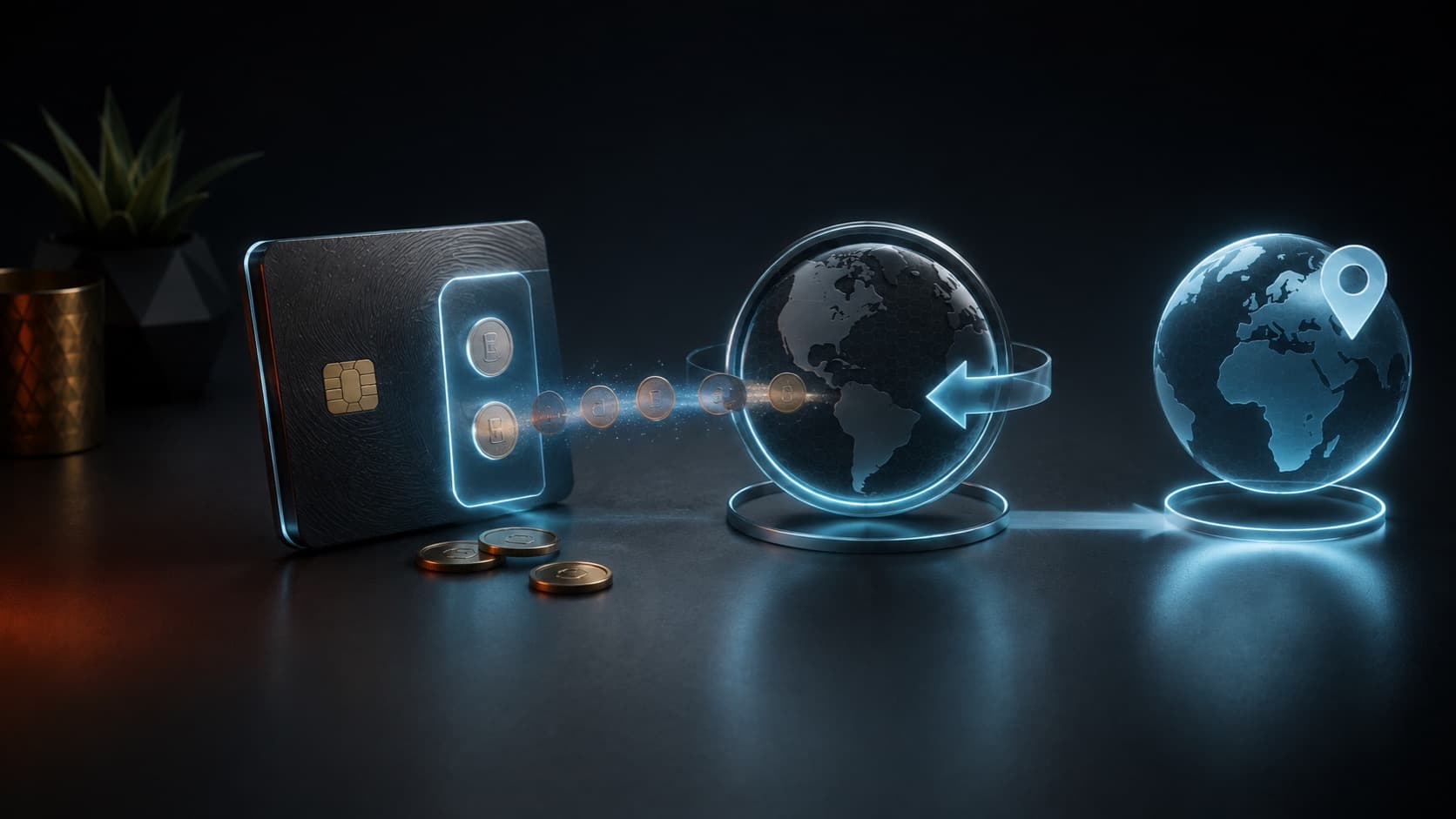
Small coins exit the digital wallet before switching between regions on the globe

Accounts

Even a few currency units on an Apple Account can block a country change. But the balance is only one of the checks: an active subscription, an incomplete pre-order, an expected refund, or participation in Family Sharing can also stop the transition.

Apple Condition

balance must be spent before changing country

Question

What should I do if my Apple balance does not allow me to change my account country?

Short answer

First, check your exact Apple Account balance and spend it on available content or subscriptions in your current region. Then cancel blocking subscriptions and wait until the end of the paid period, pre-orders, rentals and refunds. If the balance is less than the cost of the cheapest item, Apple recommends contacting support.

Key points

A gift card from another region does not clear the old balance and may not be activated.

Canceling a subscription does not always remove the block immediately - sometimes you need to wait until the end of the period.

Unfinished pre-orders, rentals and refunds are also taken into account.

Small balances that cannot be spent are resolved through Apple Support.

Contents

1. Check more than just visible residue

2. What can you spend your balance on?

3. If the remainder is too small

4. Other reasons for blocking country changes

5. What will be needed in the new region

01

Check more than just visible residue

Open the App Store, click on your profile and view your Apple Account balance. If the amount doesn't show up, it usually means you have a zero balance, but still check your purchase history and expected transactions before changing your country.

A refund that is still being processed may change the balance again. Do not start changing regions between your refund approval and actual enrollment.

02

What can you spend your balance on?

Apple allows credit to be used for apps, games, in-app purchases, music, movies, books, iCloud+ and some subscriptions - availability varies by country and specific service.

Choose a purchase that you really need. Do not top up your account with a new card for the sake of rounding up: this will increase the balance and delay the change of region.

  • A paid application or game from the current store.

  • In-app purchase, if allowed and required.

  • Payment for an existing subscription or storage.

  • Book, music or video available in the region.

Not all products are available in all countries, and Apple may additionally require a valid payment method for some purchases.

03

If the remainder is too small

Apple specifically describes the case where the store credit is less than the price of one product. In this situation, do not try to buy random cards of a different denomination or create controversial transactions - contact Apple Support.

Prepare your Apple Account email, current country, exact balance and a screenshot of the message about the impossibility of changing the region. The password and two-factor authentication code cannot be shared with support.

04

Other reasons for blocking country changes

Even with a zero balance, the transition will not be completed while certain obligations are in effect. Apple advises canceling subscriptions and waiting until the end of the period, waiting for memberships, pre-orders, rentals and Season Passes to be completed, and pending refunds to be processed.

A Family Sharing member may need to leave the family group. After changing the country, some previously available content may not be available in the new store, so Apple advises downloading the necessary purchases to your devices in advance.

LockWhat to doWhen to repeat
Fund balanceSpend or contact supportAfter zero balance
SubscriptionCancel renewalAfter the end of the paid period
Pre-order or rentalWait for completionAfter closing the operation
Expected refundWait for enrollmentAfter checking the balance again
Family SharingCheck exit from groupAfter updating family status

05

What will be needed in the new region

Apple may request a valid payment method and billing address for the new country. Changing the interface language, VPN, or physical movement does not in itself replace the payment profile settings.

Buy a gift card only after you have determined the final account region. The card must correspond to the country of the store where it is planned to be activated.

Checklist

The exact Apple Account balance has been verified.

Pending refunds and pre-orders have been completed.

Subscriptions have been canceled and the paid period has ended.

Family Sharing participation verified.

A payment method has been prepared for the new country if Apple requests one.

Next step

Complete the region change before purchasing the card

First, use up the balance and change your account country. Then select your new region's Apple Gift Card.

Apple Gift Card: Buy and Top Up App Store | Unlimit

What to read next

What can you pay with Apple balance?

Apple Gift Card is not activated

Sources

Apple Support: Change your Apple Account country or region

Apple Support: What you can buy with your Apple Account balance

Apple Support: Check your Apple Account balance

Frequently asked questions

Can I transfer my Apple balance to another country?

Typically, the balance must be spent before changing countries. For balances less than the cost of one product, Apple advises contacting support.

Is it enough to cancel your subscription today?

Not always. You may need to wait until the end of your already paid subscription period.

Will a new region gift card help?

No, as long as the account remains in the old country. In addition, a gift card is usually only activated in a store in the corresponding region.

Services

  • Apple gift cards
  • Telegram Stars and Premium
  • ChatGPT Subscription
  • Xbox Gift Card
  • PlayStation Store card
  • Spotify Premium
  • Discord Nitro

Games

  • Pre-order GTA 6
  • Steam top-up
  • Roblox Gift Card
  • UC for PUBG Mobile
  • Riot Games
  • Free Fire diamonds

Information

  • Home
  • Blog
  • Public offer
  • Privacy policy

Contact

  • Contacts
  • Telegram support
  • Unlimit on Telegram
  • Unlimit Clips

Alliance Torg Company LLC

Address:
37/2 Bezymyannaya St.,
7th Microdistrict, Oktyabrsky District, Bishkek, Kyrgyz Republic
OGRN:
310076-3301-LLC
TIN:
9909710244

© 2026 Unlimit

EN