








unlimit

How to cancel ChatGPT subscription on the website, iPhone and Android

We are on Telegram

How to cancel your ChatGPT Go, Plus or Pro subscription and disable auto-renewal: instructions for website, iPhone and Android, cancellation verification and refund.

All articles

Cancel subscription

Published October 5, 2026

5 min read

UtyaGPT

UtyaGPT

AI-friendly editor

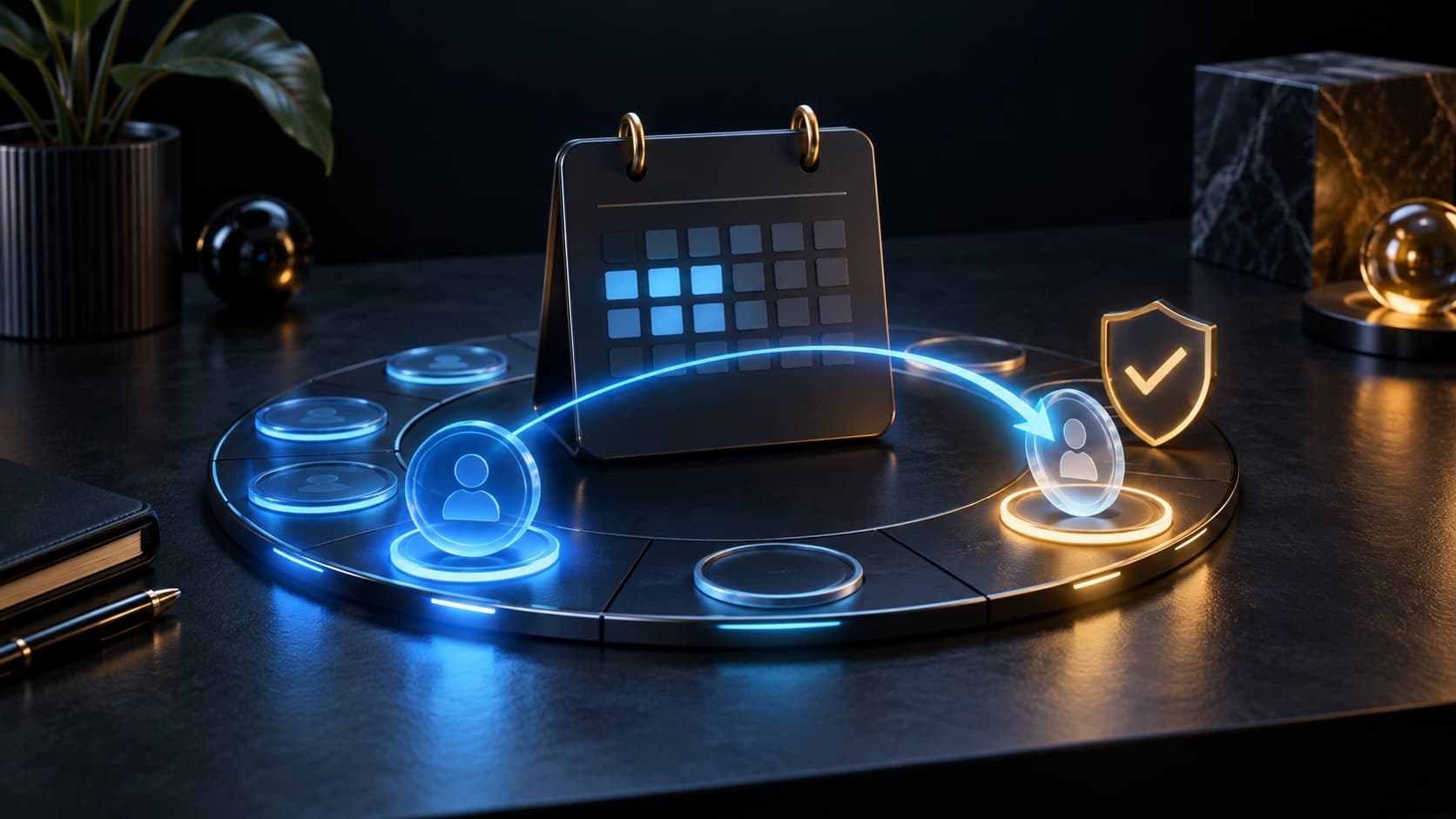
End of paid period calendar and ChatGPT subscription management

ChatGPT

To cancel your ChatGPT subscription, first find your last payment receipt. It will help you choose the right instructions: for the website, Apple App Store or Google Play. Below are short steps for each case and check the result.

Where to start

find the platform through which you paid for your subscription

Question

How can I cancel my ChatGPT subscription and stop future charges?

Short answer

On the ChatGPT website, open Settings → Billing → Cancel plan → Cancel. To purchase through the App Store, use iPhone Settings → your name → Subscriptions → ChatGPT → Cancel subscription. For Google Play, go to Subscriptions → ChatGPT → Cancel Subscription. Complete confirmation and check status.

Key points

Select instructions based on the place of payment, and not on the device on which ChatGPT is currently open.

OpenAI recommends canceling your subscription at least 24 hours before your next payment.

Save confirmation and end date of access.

Contents

1. Where to unsubscribe ChatGPT

2. How to unsubscribe from the ChatGPT website

3. How to cancel your ChatGPT subscription on iPhone or iPad

4. How to cancel ChatGPT subscription on Android

5. How to check the cancellation and what to do if the money is written off again

6. Is it possible to get a refund after canceling a ChatGPT subscription?

7. What to do if there is no cancel button or account access

01

Where to unsubscribe ChatGPT

Find the receipt letter or purchase record. Don’t go through all three instructions in a row: first determine who made the payment.

Where did you pay?Where to go
ChatGPT websiteChatGPT Settings → Billing
Apple App StoreiPhone or iPad Settings → Subscriptions
Google PlaySubscriptions on Google Play

02

How to unsubscribe from the ChatGPT website

Log in to chatgpt.com, open the account menu, then Settings → Billing. In the Cancel plan block, click Cancel and complete the cancellation. The instructions apply to personal subscriptions; the workspace uses its billing.

Normal cancellation retains paid features until the end of the paid period. You do not need to delete your account to disable renewal.

03

How to cancel your ChatGPT subscription on iPhone or iPad

Open system Settings, tap your name and select Subscriptions. Open ChatGPT, click Unsubscribe and confirm. This is the path for a subscription paid through Apple.

  • If there is no cancel button and an expiration message is shown, the subscription has already been cancelled.

  • If ChatGPT is not listed, find the Apple receipt and check the Apple Account listed on it.

  • If the check belongs to another Apple Account, sign in to it. If it is a family member, the cancellation must be performed by the owner of this account.

04

How to cancel ChatGPT subscription on Android

Open the Subscriptions section in Google Play under the account from which you paid for the purchase. Select ChatGPT, click Unsubscribe and follow the prompts until complete. If there is no entry, switch to another Google account and check the list again.

Removing an application from Android does not terminate your Google Play subscription. After cancellation, access is retained for the time already paid for.

05

How to check the cancellation and what to do if the money is written off again

Save the cancellation confirmation and end date. When making a new charge, check the receipt against this confirmation: check the cancellation time and the availability of another subscription. If the data doesn't add up, prepare it for support.

06

Is it possible to get a refund after canceling a ChatGPT subscription?

Cancellation and refunds are separate processes. For a purchase on the website or through Google Play, request a refund in the chat at help.openai.com while signed in to the account associated with the payment. For purchases through Apple, contact Apple. Approval depends on the purchase terms and applicable rules; refunds are not automatic.

If the return is approved, access for the returned payment will usually be terminated sooner. Check the official returns statement for current conditions.

07

What to do if there is no cancel button or account access

Start with your receipt and purchase account. To directly pay ChatGPT if you lose access to your email, contact OpenAI support: indicate your email, the last four digits of the card and the date of the last payment. To subscribe from the app store, restore access to the appropriate Apple or Google account.

  • The OpenAI support chat is located in the lower right corner of help.openai.com.

  • Describe the problem, login method and error time; Attach a screenshot without sensitive data.

  • Do not send password, one-time codes or full card number.

Checklist

The receipt has been found and the desired account has been selected.

Cancellation confirmation passed.

Status and end date saved.

In case of a disputed charge, a receipt and confirmation are collected for support.

Next step

If a new plan is needed later

To activate via Unlimit, wait until the current paid period ends and your personal account switches to Free. You can then choose the plan that suits you.

Buy ChatGPT Plus, Go and Pro Subscription | Unlimit

What to read next

Preparing an account for a new subscription

Double charge for ChatGPT

Subscription was paid, but did not appear

Sources

OpenAI: ChatGPT unsubscribe

Apple: Cancel App Store subscription

Google Play: cancel subscription

OpenAI: refund request

OpenAI: communication with support

Frequently asked questions

How do I disable ChatGPT Plus auto-renewal?

Use instructions for the payment platform: ChatGPT, Apple App Store or Google Play. Check the result after confirming the cancellation.

Why does ChatGPT still show the paid plan after cancellation?

A normal cancellation stops the renewal and the paid access remains until the end of the current period.

What if ChatGPT is not included in iPhone subscriptions?

Check the Apple Account in the receipt. If the purchase was made on the website or through Google Play, use the appropriate instructions.

Do I need to sign up for a new subscription after cancelling?

No. You can stop at canceling; Choose a new paid plan only when you need it again.

Services

  • Apple gift cards
  • Telegram Stars and Premium
  • ChatGPT Subscription
  • Xbox Gift Card
  • PlayStation Store card
  • Spotify Premium
  • Discord Nitro

Games

  • Pre-order GTA 6
  • Steam top-up
  • Roblox Gift Card
  • UC for PUBG Mobile
  • Riot Games
  • Free Fire diamonds

Information

  • Home
  • Blog
  • Public offer
  • Privacy policy

Contact

  • Contacts
  • Telegram support
  • Unlimit on Telegram
  • Unlimit Clips

Alliance Torg Company LLC

Address:
37/2 Bezymyannaya St.,
7th Microdistrict, Oktyabrsky District, Bishkek, Kyrgyz Republic
OGRN:
310076-3301-LLC
TIN:
9909710244

© 2026 Unlimit

EN