









unlimit

Double charges for ChatGPT: how to check subscriptions on iPhone, Android and website?

We are on Telegram

Step-by-step check of ChatGPT subscriptions in the Apple App Store, Google Play and on the website: how to avoid two payments and what to do after being charged again.

All articles

Checking payments

Published September 20, 2026

8 min read

Agent Utya 007

Agent Utya 007

Account Protection Specialist

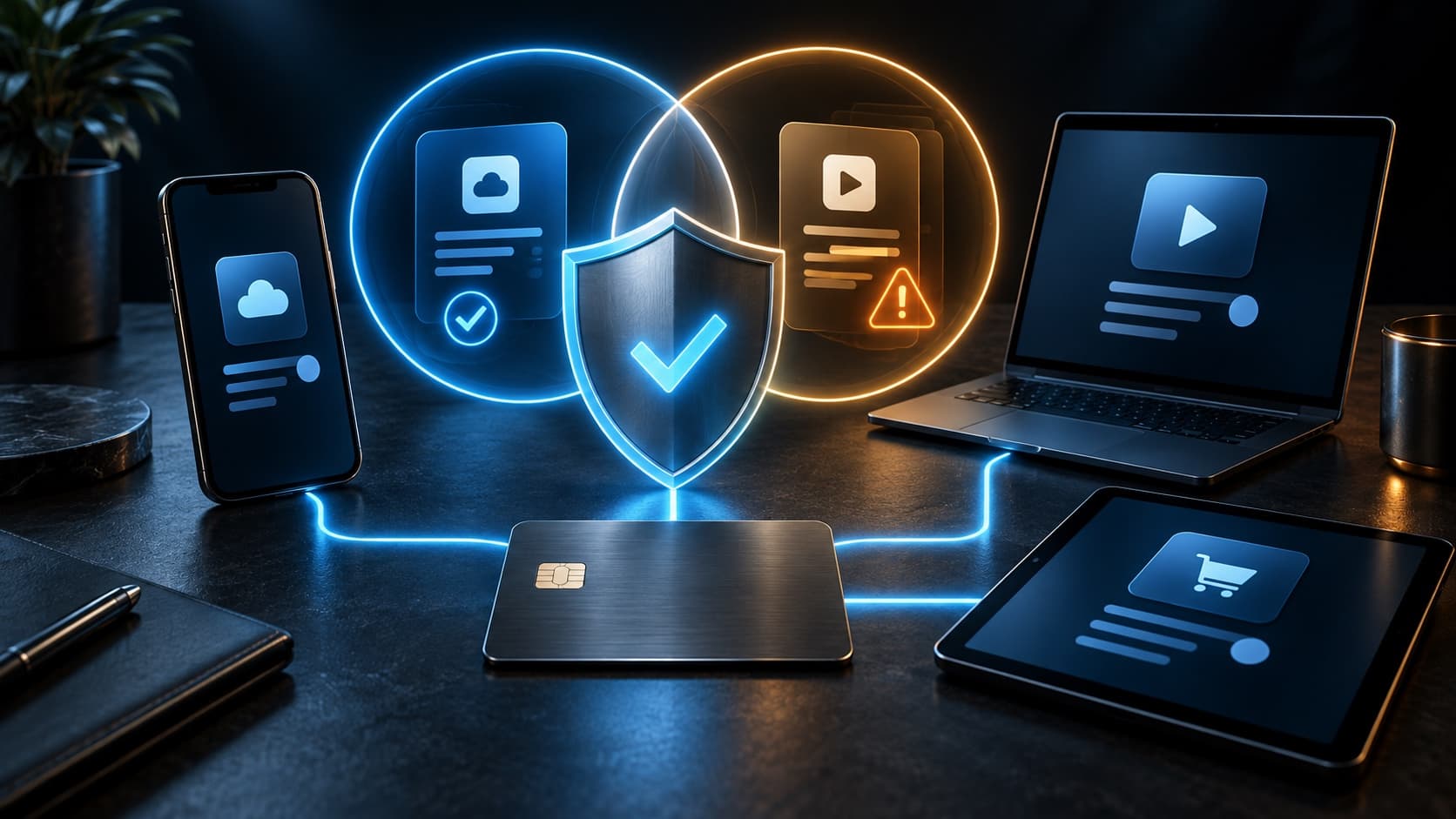
Phone, tablet and laptop with a protective shield against double subscription payments

ChatGPT

One ChatGPT account can be used on different devices, but subscriptions from the site, Apple App Store and Google Play are managed by different payment systems. If you re-enroll on a different platform, there may be two independent payments.

First action

check three payment locations before any repeat purchase

Question

Why could ChatGPT be charged twice and how can I find both subscriptions?

Short answer

For double charges, first find both subscriptions: check Billing on chatgpt.com, Apple ID subscriptions, and each Google account subscription on the device. Cancel the excess subscription where it was issued and request a refund from the appropriate payment platform.

Key points

Site, Apple and Google subscriptions are not automatically combined.

The same ChatGPT account does not require a separate subscription for each device.

An inactive plan in the app does not always mean that the store has stopped trying to renew.

The refund is requested from the platform that issued the specific charge.

Contents

1. Where do the two subscriptions come from?

2. How to check all three payment places

3. How to safely switch to another platform

4. What to do if the charge has already happened again

5. How not to lose access when canceling a take

01

Where do the two subscriptions come from?

A duplicate often appears when switching from mobile payment to a website. The user sees a renewal issue in the App Store, signs up for a new plan on chatgpt.com, and then Apple successfully reissues the payment after updating the card.

Another scenario is that subscriptions are registered under different ChatGPT accounts or different Google accounts. The checks arrive in the same mailbox, so the charge appears to be from the same plan.

02

How to check all three payment places

Don't start with a new purchase. First, make a complete list of active subscriptions and match each with date, amount, platform and ChatGPT account.

PlatformWhere to checkHint in the extract
WebChatGPT → Settings → BillingPayment is managed directly in ChatGPT
AppleSettings → Apple ID → SubscriptionsPurchase applies to the App Store
Google PlayPlay Store → Payments and subscriptionsCheck every Google account

03

How to safely switch to another platform

First cancel your current subscription on the original platform and wait for confirmation that it will not be renewed. Then wait until the end of the paid period if the new activation requires an account with Free status.

Only after checking the status, sign up for a new subscription. This arrangement prevents overlapping periods and makes it easier to support if a payment does not show up.

  • Determine the current billing platform.

  • Cancel the renewal there.

  • Save confirmation and end date.

  • Check Free before reactivating.

04

What to do if the charge has already happened again

Save both receipts and the statement without the full card number. Determine which subscription you need and cancel the excess one on its platform to stop future charges.

Apple handles refund requests for purchases made through Apple. For Google Play, use Google’s refund process or OpenAI support, depending on the available route. For a payment on chatgpt.com, contact OpenAI support from the account associated with the charge.

05

How not to lose access when canceling a take

Before canceling, make sure you leave your subscription linked to the correct ChatGPT account. The email in the store receipt may differ from the email inside ChatGPT, so check the profile in the application where paid functions already work.

Do not delete the account as the first solution: first sort out the sources of payments. Deleting an app also does not affect your store subscription.

Checklist

Verified by Billing on chatgpt.com.

The subscriptions of the current Apple ID have been verified.

All Google accounts in the Play Store have been verified.

Each check is associated with a platform and a date.

The excess subscription has been canceled on the original platform.

Receipts and the last four digits of the card are saved for refunds, but not the full number.

Next step

Check billing before new purchase

First, exclude the second active subscription in Apple, Google Play and on the website. After checking, you can select the desired plan.

Buy ChatGPT Plus, Go and Pro Subscription | Unlimit

What to read next

Canceling a subscription on the website, iPhone and Android

What to do with an active subscription

Subscription was paid, but did not appear

Comparison of Go, Plus and Pro

Sources

OpenAI Help: avoiding duplicate ChatGPT charges

OpenAI Help: subscription associated with another account

OpenAI Help: canceling a ChatGPT subscription

OpenAI Help: managing ChatGPT billing

Frequently asked questions

Do I need a separate ChatGPT subscription for my phone and computer?

No. The subscription is available on different devices when logged into the same ChatGPT account.

Why did Apple charge me again after the renewal error?

The store could continue to restore the payment after updating the payment method. Therefore, the old subscription must be explicitly canceled before purchasing on another platform.

Where can I request a refund for my iPhone purchase?

Refunds for App Store subscriptions are requested from Apple because Apple manages this payment.

Is it possible to cancel a mobile subscription on the ChatGPT website?

No. Subscriptions purchased through Apple or Google Play must be managed in the appropriate store.

What to do if it is not clear where the charge came from?

Reconcile bank statements and checks, check three platforms, and contact support only after determining the source of payment.

Services

  • Apple gift cards
  • Telegram Stars and Premium
  • ChatGPT Subscription
  • Xbox Gift Card
  • PlayStation Store card
  • Spotify Premium
  • Discord Nitro

Games

  • Pre-order GTA 6
  • Steam top-up
  • Roblox Gift Card
  • UC for PUBG Mobile
  • Riot Games
  • Free Fire diamonds

Information

  • Home
  • Blog
  • Public offer
  • Privacy policy

Contact

  • Contacts
  • Telegram support
  • Unlimit on Telegram
  • Unlimit Clips

Alliance Torg Company LLC

Address:
37/2 Bezymyannaya St.,
7th Microdistrict, Oktyabrsky District, Bishkek, Kyrgyz Republic
OGRN:
310076-3301-LLC
TIN:
9909710244

© 2026 Unlimit

EN