








unlimit

Is it possible to sign up for a new ChatGPT subscription if the old one is still active?

We are on Telegram

How to check and cancel your current ChatGPT subscription on the website, iPhone or Android, wait until the period ends and prepare your account for a new activation.

All articles

Account preparation

Published September 20, 2026

8 min read

UtyaGPT

UtyaGPT

AI-friendly editor

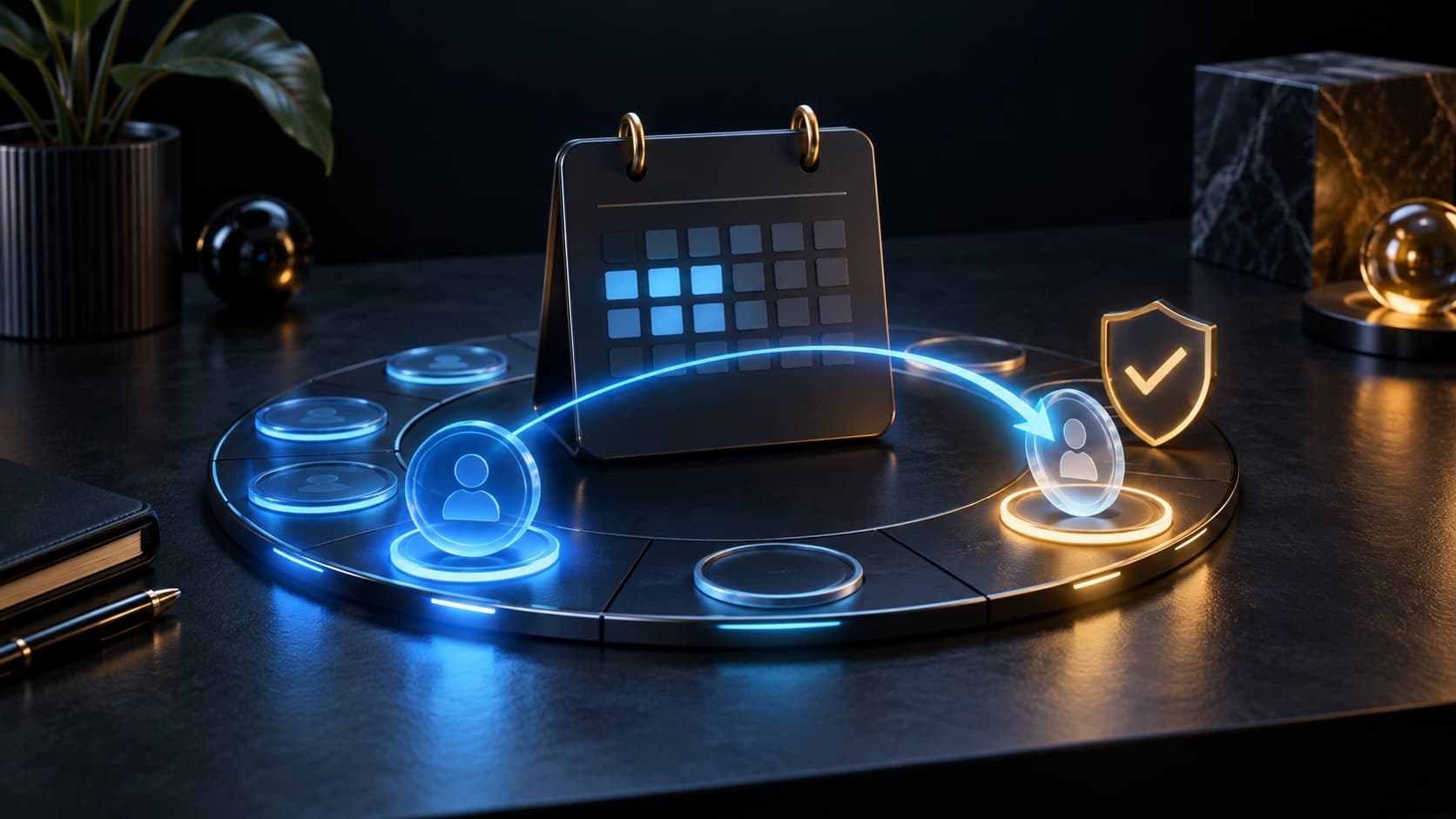
Calendar and secure transition between old and new ChatGPT subscription

ChatGPT

Canceling a subscription and ending a subscription are not the same thing. After auto-renewal is turned off, paid features usually remain until the end of the already paid period, so the account remains on the current plan for some time.

Main rule

first complete the old paid period, then start a new activation

Question

Is it possible to activate a new ChatGPT subscription while the previous paid plan is still valid?

Short answer

If the new activation requires an account without a valid paid plan, canceling the auto-renewal is not enough: wait until the end date of the period and make sure that the account has returned to Free. You need to manage your old subscription where it was purchased - on chatgpt.com, in the Apple App Store or Google Play.

Key points

Cancellation stops the next renewal, but usually does not immediately turn off the paid plan.

The subscription is managed by the platform through which it was issued.

Removing the application does not cancel the subscription.

Before re-activating, check the plan in the desired ChatGPT account.

Contents

1. Why is a canceled subscription still active?

2. Where to unsubscribe

3. How to check the end of the paid period

4. When the transition to another plan occurs immediately

5. How to prepare your account for new activation

01

Why is a canceled subscription still active?

After normal cancellation, ChatGPT retains paid features until the end of the current billing period. This means that the status can remain Plus or Pro, although the next charge is already disabled.

For a new activation, rely not on the cancellation letter, but on the actual plan status and end date in the billing settings.

If the activation service requires an account without a paid subscription, start ordering only after actually switching to Free.

02

Where to unsubscribe

The cancellation location depends on the original purchase method. Subscription from the site must be canceled in the ChatGPT settings, mobile - in the application store that made the payment.

Where did you buy it?Where to manageWhat to check
chatgpt.comChatGPT → Settings → BillingNext payment date and cancellation status
iPhone or iPadApple ID Settings → SubscriptionsCorrect Apple ID selected
AndroidGoogle Play → Payments and subscriptionsPurchase Google account selected

03

How to check the end of the paid period

Check the date at the payment location and the status inside ChatGPT. If paid features are still available before the specified date, the subscription continues to be valid even when auto-renewal is already turned off.

After the end date, refresh the page, log back into the same account and check the plan. Don't create a new account just to bypass the wait: this complicates your payment history and may lead to a purchase for the wrong profile.

  • Check your ChatGPT account email.

  • Check your platform and subscription expiration date.

  • Verify that the status has changed to Free.

  • Only after this start a new activation.

04

When the transition to another plan occurs immediately

OpenAI indicates that an upgrade to an available higher rate can be applied immediately and begin a new billing cycle. The downgrade usually takes effect at your next renewal.

These rules apply to rate management within ChatGPT. If you are switching to a different payment method or using a separate activation service, it is safer to completely complete your previous subscription first.

05

How to prepare your account for new activation

Log in to your personal ChatGPT account, not your work account, check that you don't have an active paid plan, and make sure you have access to your email and login method. Do not share your password: it is not needed to check your plan status.

If the plan is still showing after the end date, first contact OpenAI or app store support. Repeated purchases before status is determined may create two independent subscriptions.

Checklist

Determined where the current subscription was issued.

Auto-renewal is disabled on the same platform.

The end date of the paid period is saved.

After this date, the account is verified again.

ChatGPT displays Free rather than Plus or Pro.

The correct personal account has been selected for the new activation.

Next step

Prepare your account for a new subscription

Make sure your previous subscription has expired and there is no active auto-renewal in your account, then select a new plan.

Buy ChatGPT Plus, Go and Pro Subscription | Unlimit

What to read next

How to unsubscribe from ChatGPT

Comparison of Go, Plus and Pro

How to avoid double debiting

Subscription was paid, but did not appear

Sources

OpenAI Help: canceling a ChatGPT subscription

OpenAI Help: About ChatGPT Pro tiers

OpenAI Help: managing ChatGPT billing

Frequently asked questions

Does canceling a subscription immediately switch your account to Free?

Usually no. Access remains until the end of the already paid billing period, unless the refund ends earlier.

Is it possible to delete an application instead of canceling it?

No. Removing ChatGPT from your phone does not cancel your subscription in the App Store or Google Play.

Where can I cancel a subscription purchased on an iPhone?

In Apple ID subscription settings. Management of such a purchase is not carried over to ChatGPT Web Billing.

Is it possible to activate a new subscription on the day the old one expires?

It is possible after the Free status has actually appeared in the desired account. Don't rely only on the calendar date.

What to do if the old plan has not disappeared?

Please check your account and payment platform, update your login session and contact support before purchasing again.

Services

  • Apple gift cards
  • Telegram Stars and Premium
  • ChatGPT Subscription
  • Xbox Gift Card
  • PlayStation Store card
  • Spotify Premium
  • Discord Nitro

Games

  • Pre-order GTA 6
  • Steam top-up
  • Roblox Gift Card
  • UC for PUBG Mobile
  • Riot Games
  • Free Fire diamonds

Information

  • Home
  • Blog
  • Public offer
  • Privacy policy

Contact

  • Contacts
  • Telegram support
  • Unlimit on Telegram
  • Unlimit Clips

Alliance Torg Company LLC

Address:
37/2 Bezymyannaya St.,
7th Microdistrict, Oktyabrsky District, Bishkek, Kyrgyz Republic
OGRN:
310076-3301-LLC
TIN:
9909710244

© 2026 Unlimit

EN