








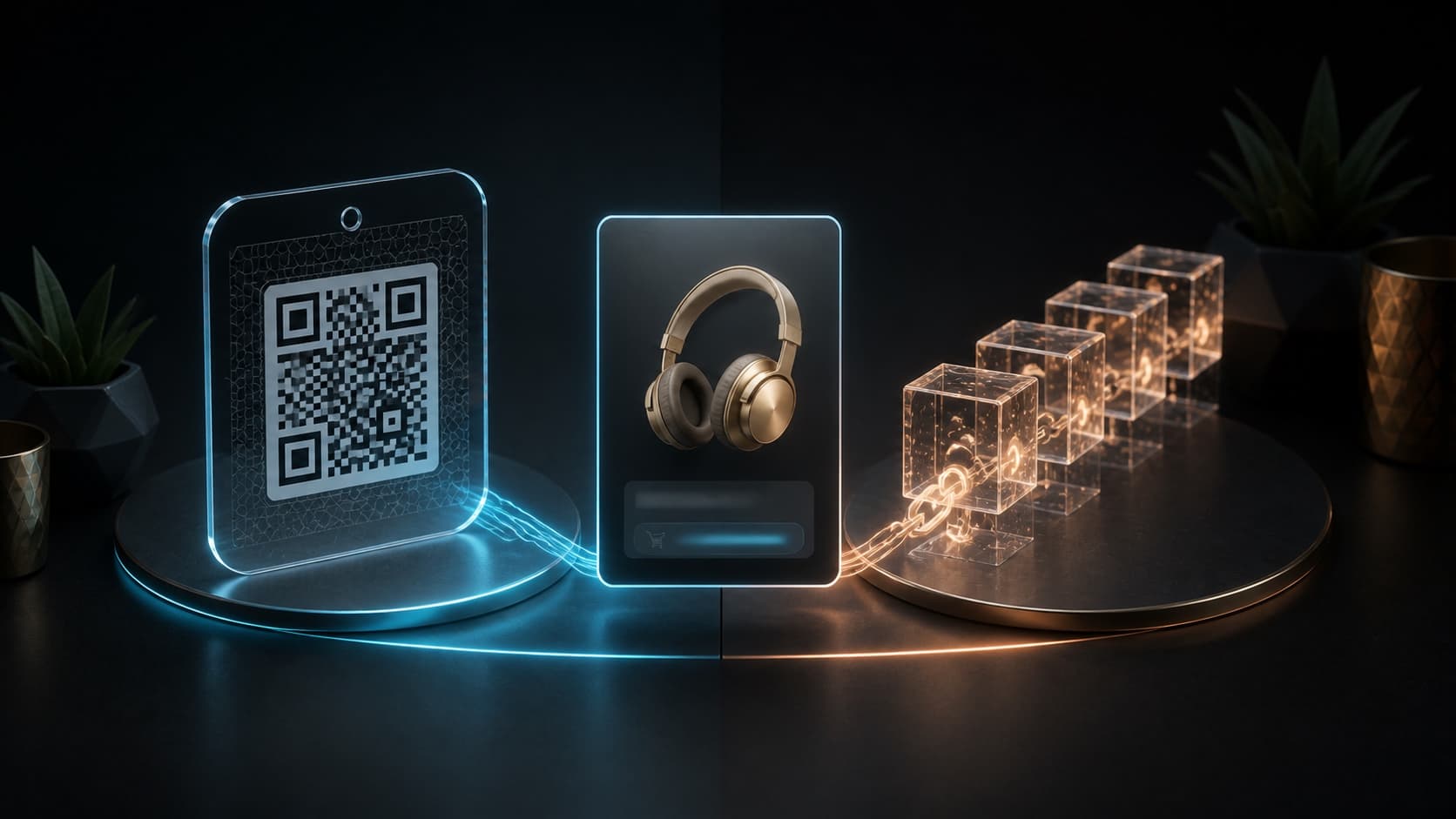
 NordVPN 6 minHow to buy NordVPN in rubles: conditions, payment and receiving a subscriptionRead the article
 NordVPN is a VPN service for a secure Internet connection on your computer and phone. At Unlimit you can buy a subscription with payment in rubles or cryptocurrency: the available plan, duration and cost are indicated in the order form.
After payment you will receive an activation link in your order and to your contact email. You activate the subscription yourself - you do not need to provide your account password.
Good to know before purchasing
Select the appropriate option and check the terms and conditions before placing your order.
Why do you need a NordVPN subscription?
NordVPN creates an encrypted connection between the device and the VPN server. This helps protect data transmission when connected to the Internet, including over public Wi-Fi.
- On a computer: Connect to a VPN while using the browser and applications.
- On your phone: Use the app when connected to a mobile network or Wi-Fi.
- Across multiple devices: Log in to your NordVPN account on compatible devices up to your subscription limit.
The contents of the subscription depend on the plan. Additional services and features from other NordVPN plans should not be considered part of the selected offer: check the name and terms of the offer before purchasing.
More details about the operating principle - on the NordVPN website.
How to choose a NordVPN subscription
Focus on the option available in the purchase form. Term - characteristics of the selected subscription: the range and terms of offers may change.
- Plan: Check which NordVPN plan is included in your order.
- Duration: Select the appropriate period from the available options. If there is only one offer, its parameters are shown in the form.
- Account Terms: Make sure the offer is suitable for your profile and activation method.
- Cost: Check the total after selecting your payment method and applying the promo code.
If the required term or plan is not on sale, do not buy another option in hopes of replacing it after payment. Please check availability with support before placing your order.
How to buy a NordVPN subscription
- Check the plan, term and activation conditions in the purchase form and instructions below.
- Enter a contact email to which you have access. An activation link will be sent to it.
- Select an available payment method. If you have a promotional code, apply it and check your total.
- Click “Buy” and pay the created invoice using the details on the order page.
- Wait for confirmation of payment and issuance of a link. Save your order number to contact support if necessary.
When paying with cryptocurrency, use the currency, network and amount from the created account. If the payment has already been sent, check the status of this order: you do not need to create and pay for a new one.
Subscription terms and activation
Conditions apply to the selected offer. The current option with an activation link is intended only for a new NordVPN account without an active subscription and is not suitable for renewing an already paid account.
- Open the link from your completed order or contact email.
- Follow the instructions on the activation page. Please make sure you are using the correct account before confirming.
- Complete activation and check that the purchased plan and subscription period appear in your account.
- After that, log in with the same account to the NordVPN application on your device.
Receiving the link means that the order has been issued. To start using VPN, you need to complete the activation separately using the link. If you already have a subscription or are unsure if your account is eligible, please check the terms and conditions before paying.
How to start using NordVPN
Install the application from NordVPN official download section. There are versions for Windows, macOS, Linux, Android and iOS; Please check compatibility with your system version before installation.
- Select an application for your device and install it.
- Log in to the account on which you activated the purchased subscription.
- Connect to the VPN server in the application and wait for the connection to be confirmed.
On another device, use the same account. The number of simultaneous connections is determined by the subscription terms; The current offer has a limit of up to 10 devices.
Read moreCollapse
If the subscription is active in your account, but the application does not see it, first check that you are logged in under the same account. Do not reactivate the link on another profile.
Installation and configuration instructions are available at NordVPN help center.
Where to find the link and order status
After confirmation of payment and completion of the order, a link appears in the order card and is sent to the specified email. If the purchase was made from an Unlimit account, the result is also available in your personal account.
- Payment Pending: Check if you have completed payment on the created invoice.
- Payment has been confirmed, the order is being processed: wait for delivery and monitor the status on the order page.
- Link received: proceed to self-activation of your subscription according to the instructions.
An email and an order page are two ways to get the result of one purchase. If the letter is delayed, check your order card and Spam folder. Please save your order number until activation is complete.
Purchase without sharing your password
To register, you need a contact email. There is no need to share your NordVPN password, login codes, or access to your mailbox: you log in and activate it yourself.
The activation link is for your order. Do not post it in open chats, reviews or screenshots. To contact support, you first need your order number and description of the problem.
Read moreCollapse
The contact email is used to receive the purchase result. Check it before paying: an error in the address will prevent you from receiving the letter.
Unlimit is an independent service for purchasing digital goods. NordVPN is a trademark of its owner.
If there is a problem with your purchase or activation
- The payment has been sent, but the status has not changed: check the payment details and wait for confirmation. Do not pay for the order again.
- The order has been completed, but there is no email: open the link in the order card and check the Spam folder.
- The link shows an error: save the error text and check your account conditions. Don't buy a second subscription to fix the first one.
- The subscription is activated, but the VPN does not connect: check that you are logged into the correct account and follow the instructions for your system.
If the issue is not resolved, write to Unlimit support with the order number. Please indicate at what step the problem occurred: payment, receiving a link, or activation. When attaching a screenshot, hide the activation link and login information.
Customer Experience
Purchase reviews
Collecting first reviews
Customer impressions will appear here.
Order history
Completed purchases · Nord VPN
—completed in total
—in the last 30 days
Personal data hidden
Frequently asked questions
For how long can I buy NordVPN?
The available period is indicated for the selected option in the purchase form. The assortment may change, so please check the parameters of your order before paying.
What's included in the subscription?
The range of features is determined by the selected NordVPN plan. Its name and duration are indicated on the order form. Additional services from other plans are not included automatically.
Is it possible to renew my current subscription?
The current option with an activation link is only suitable for a new account without an active subscription. It is not intended to renew an already paid account. Please check the terms and conditions before purchasing another offer.
How to pay for NordVPN?
Select an available method in the purchase form: rubles or cryptocurrency. The total amount is displayed before checkout. After creating the invoice, follow its payment instructions.
Can I apply a promotional code?
Yes, there is a promotional code field in the form. Apply it before creating the order and check that the total is updated.
Do I need a password for my NordVPN account?
No. To purchase you need a contact email. You open the received link yourself and complete the activation without sharing your password, login codes, or email access.
Where will the activation link come?
It will appear in the completed order and will be sent to your contact email. For purchases made from an Unlimit account, the link is also available in your personal account.
Link received - is your subscription already active?
Issuing a link completes the purchase, but you must complete the activation yourself. Open the link, follow the instructions and check your subscription in your NordVPN account.
What devices does NordVPN work on?
There are applications for Windows, macOS, Linux, Android and iOS. Before installation, check the system version requirements in the official NordVPN download section.
Can I use my subscription on multiple devices?
Yes, sign in to one account on compatible devices up to your subscription limit. The current offer has a limit of up to 10 devices; for other options, check their terms and conditions.
What should I do if the payment has gone through but there is no link?
Check your order status and Spam folder. If delivery is delayed, please contact Unlimit support with your order number. There is no need to pay for the order again.
What to do if the link is not activated?
Check if your account is eligible for the offer and save the error text. Contact support with your order number and a description of the step where the problem occurred. Do not post the link or login information.
Stories of our characters

Utya PrimeDuck intelligence
According to my calculations, the probability of receiving an order quickly is 100%. Tested on my own beak.

Lord UtyaHis Quackness
I order all my subjects to buy here. Otherwise you will have to pay more elsewhere.

Space UtyaSpace explorer
The order arrived faster than the signal from the Earth to the Moon. In space they approve.

Utya the WiseKeeper of wisdom
An ancient duck prophecy said: “Never overpay for digital goods.” Now I know where to fulfill it.
Utya CoinholderDeal hunter
I wanted to save money. Then I saw discounts on Unlimit. The plan failed, the mood improved.

Baby UtyaLittle duckling
Mom said not to trust strangers. But Unlimit issued the order so quickly that I didn’t even have time to get scared.

Utya.exeDigital native
I execute the command: buy a digital product. Status: successful. Mood Status: Excellent.

UtyaGPTAI duck
Analyzed the digital goods market. The answer is ready: quack.

Business UtyaBusiness duck
I save on purchases here so that later I can spend money irresponsibly in games.

Sigma UtyaHis own expert
I don't ask for advice. I don't read guides. I just buy where it is more profitable.
Related articles
Detailed instructions and answers to questions before and after purchase.
- NordVPN 6 minHow to buy NordVPN in rubles: conditions, payment and receiving a subscriptionRead the article
 NordVPN 6 minHow to activate NordVPN and set it up on your phone and computerRead the article
  NordVPN 6 minNordVPN does not work after purchase: checking payment, activation and networkRead the article